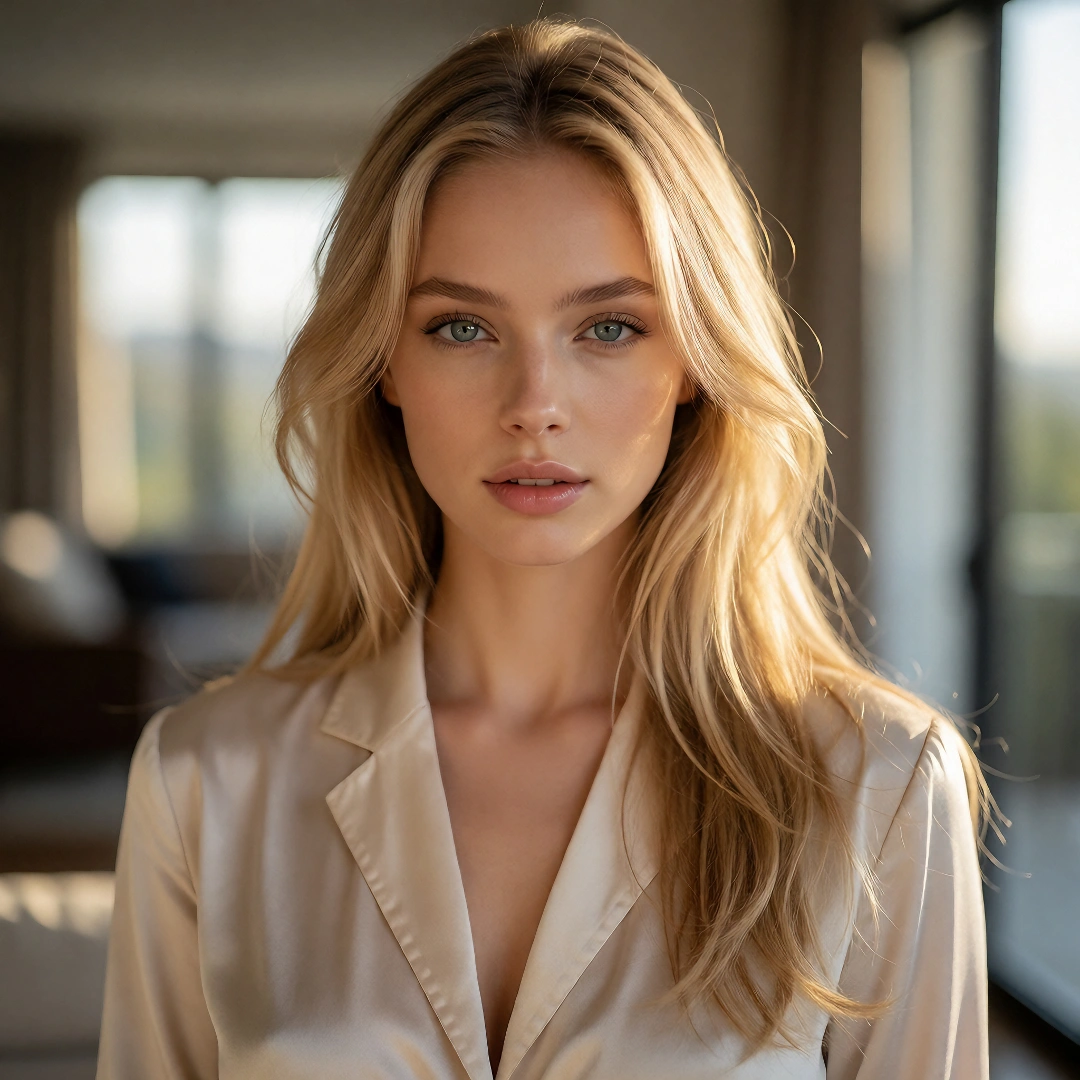
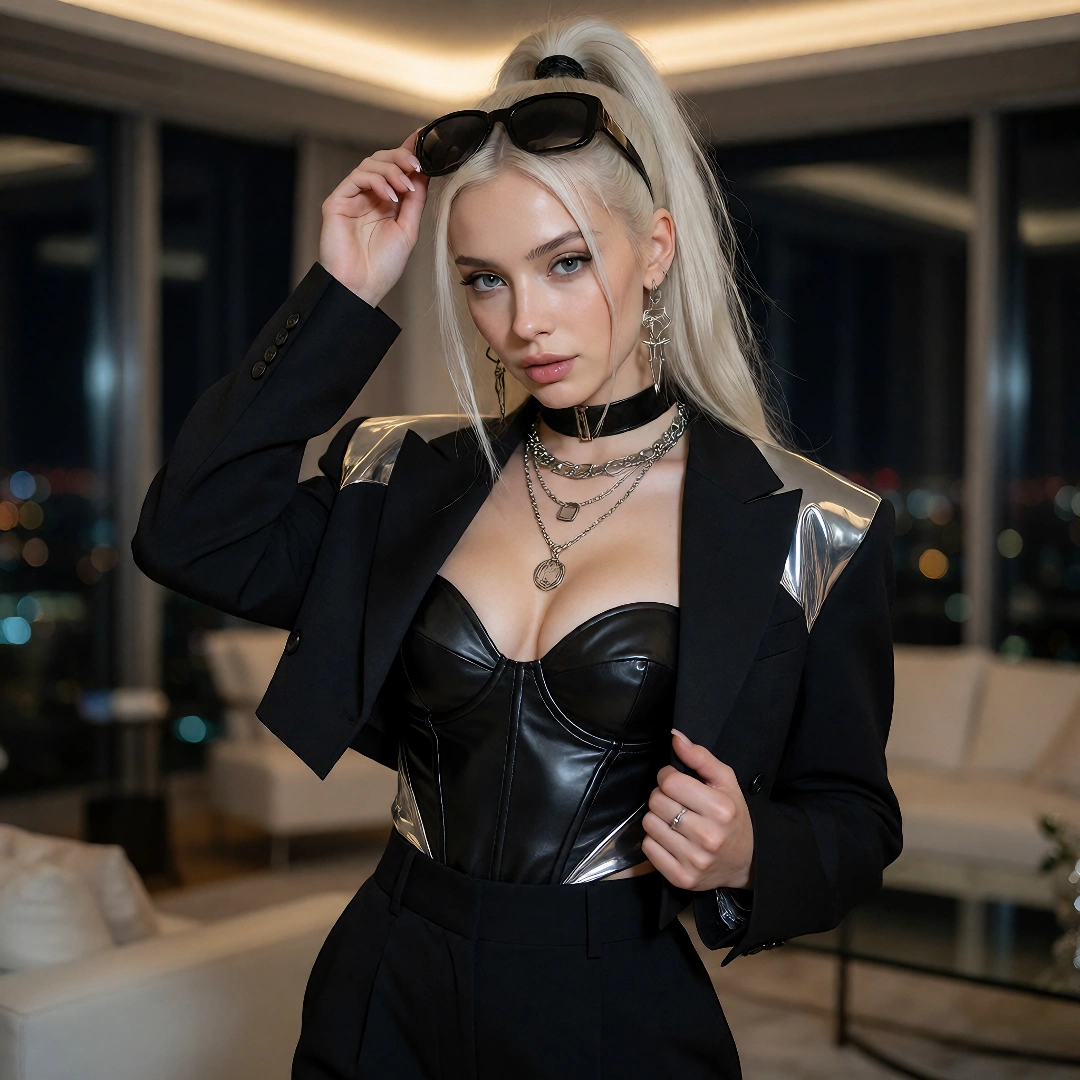
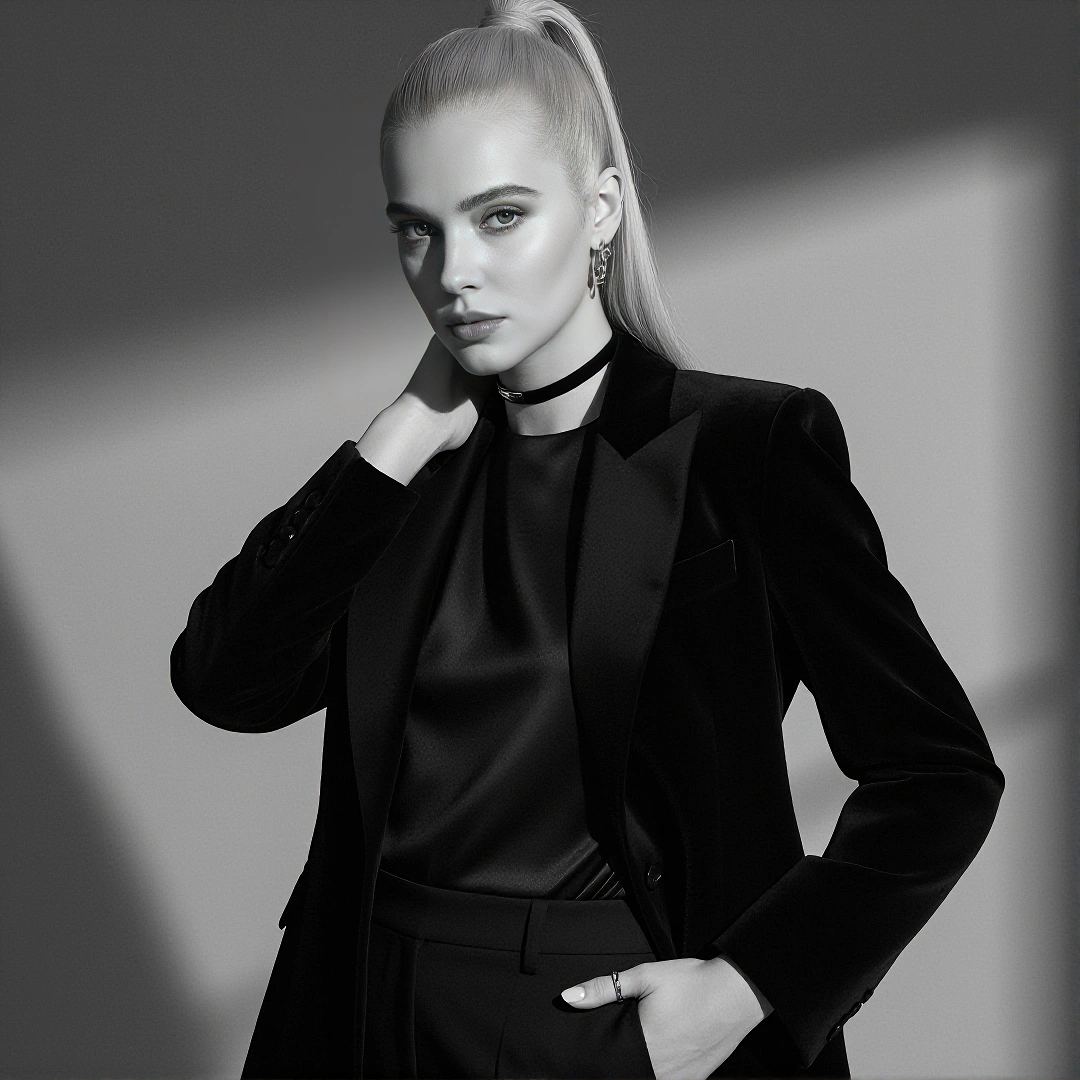
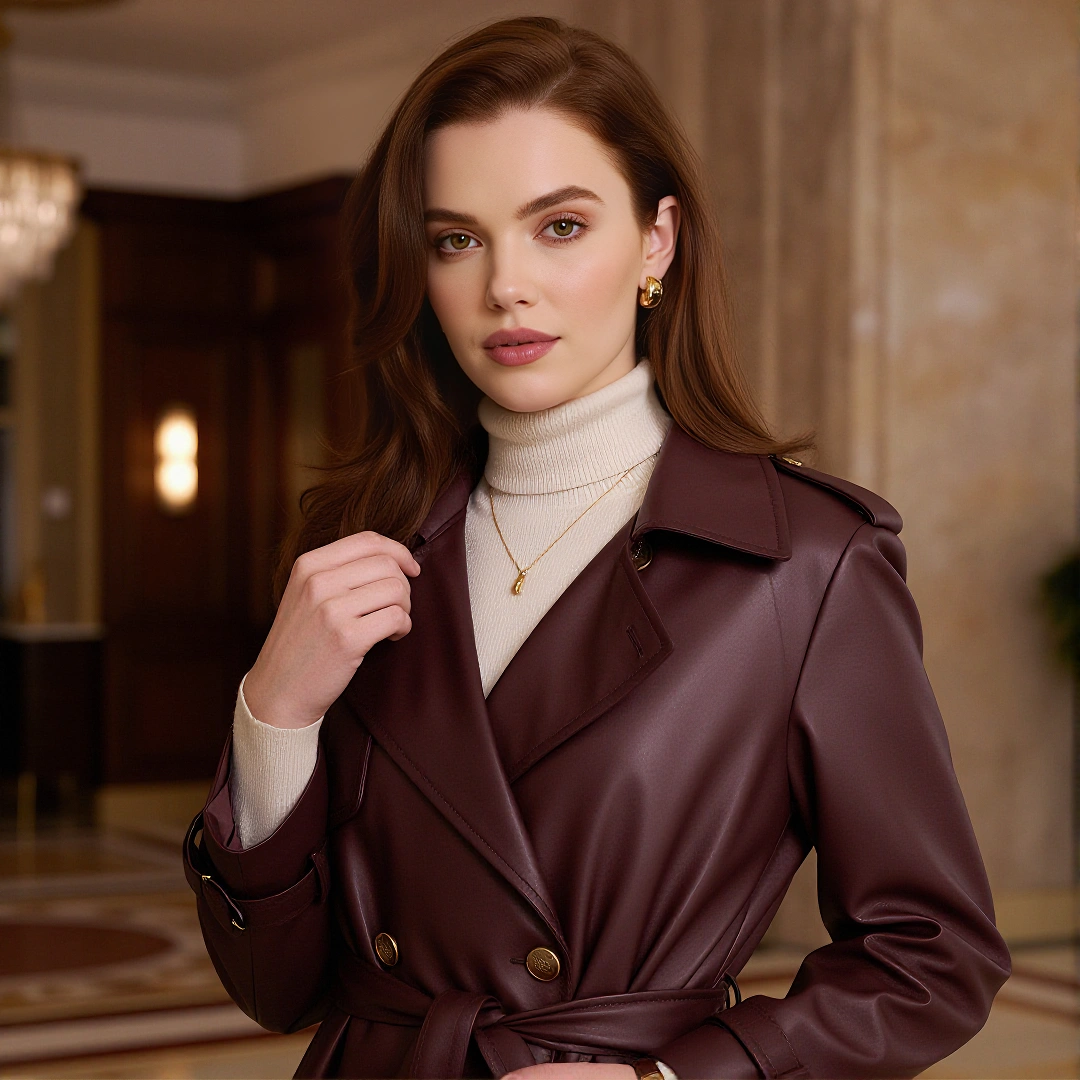

Seedance 2.0 Fast
Test prompts, movement, framing, and alternate scene directions through a faster creative loop.
Explore Seedance 2.0 Fast →NSFWSEEDANCE MULTIMODAL VIDEO MODEL
Bring text, images, video, and audio into one creative direction with Seedance 2.0. Build NSFW scenes around a recognizable character, guided movement, controlled camera work, and sound that belongs to the action.
Move beyond a single prompt or starting image. Use separate references to define character identity, setting, movement, camera language, voice, rhythm, and atmosphere.
The Seedance 2.0 family includes Seedance 2.0 Fast and Seedance 2.0 Mini, giving creators two additional workflows built around different production priorities. Choose Fast for quicker feedback while exploring prompts, movement, and camera direction; choose Mini when a repeatable short-form format is ready for more scene variations.
Test prompts, movement, framing, and alternate scene directions through a faster creative loop.
Explore Seedance 2.0 Fast →Turn a working character, setting, or short-form structure into more related scene variations through a lighter workflow.
Explore Seedance 2.0 Mini →Seedance 2.0 brings text, image, video, and audio inputs into a unified audio-video workflow.
Instead of asking one prompt to carry every visual and performance detail, creators can divide the direction across different sources. A character image can establish identity, a scene image can define the environment, a video can guide movement or camera behavior, and an audio clip can shape voice, rhythm, or atmosphere.
Text explains what should happen. Images establish appearance and composition. Video references guide movement, physical rhythm, or camera language. Audio references contribute voice, pacing, music, or environmental sound.
These inputs can work together instead of forcing every part of the scene into written instructions.
Each source can control a different part of the result. Use one reference for character identity, another for the setting, and another for movement, camera behavior, or sound.
This makes Seedance 2.0 multimodal reference useful when the scene depends on more than a prompt or single starting image.
Video editing can modify an existing scene when its character, composition, or general direction is already useful. Extension can continue the footage when the scene needs another action or story moment.
The goal is to preserve what already works instead of rebuilding the concept from the beginning.
The documented enhanced route supports higher-resolution delivery beyond the native 480p and 720p generation described for the base architecture, including 1080p and 4K options.
This gives standard Seedance 2.0 a clearer finishing role within the 2.0 family.
Describe the characters, central action, interaction, camera behavior, atmosphere, dialogue, and sound in words.
Seedance 2.0 text to video is suitable when the scene exists as an idea and the model should establish its visual world from the prompt.
Start from Text
Start with a character image, scene composition, or first frame. Then direct what changes, how the character moves, how the camera responds, and what the scene should sound like.
Seedance 2.0 image to video is suitable when appearance, composition, or the opening state matters more than discovering the complete scene from text.
Animate an Image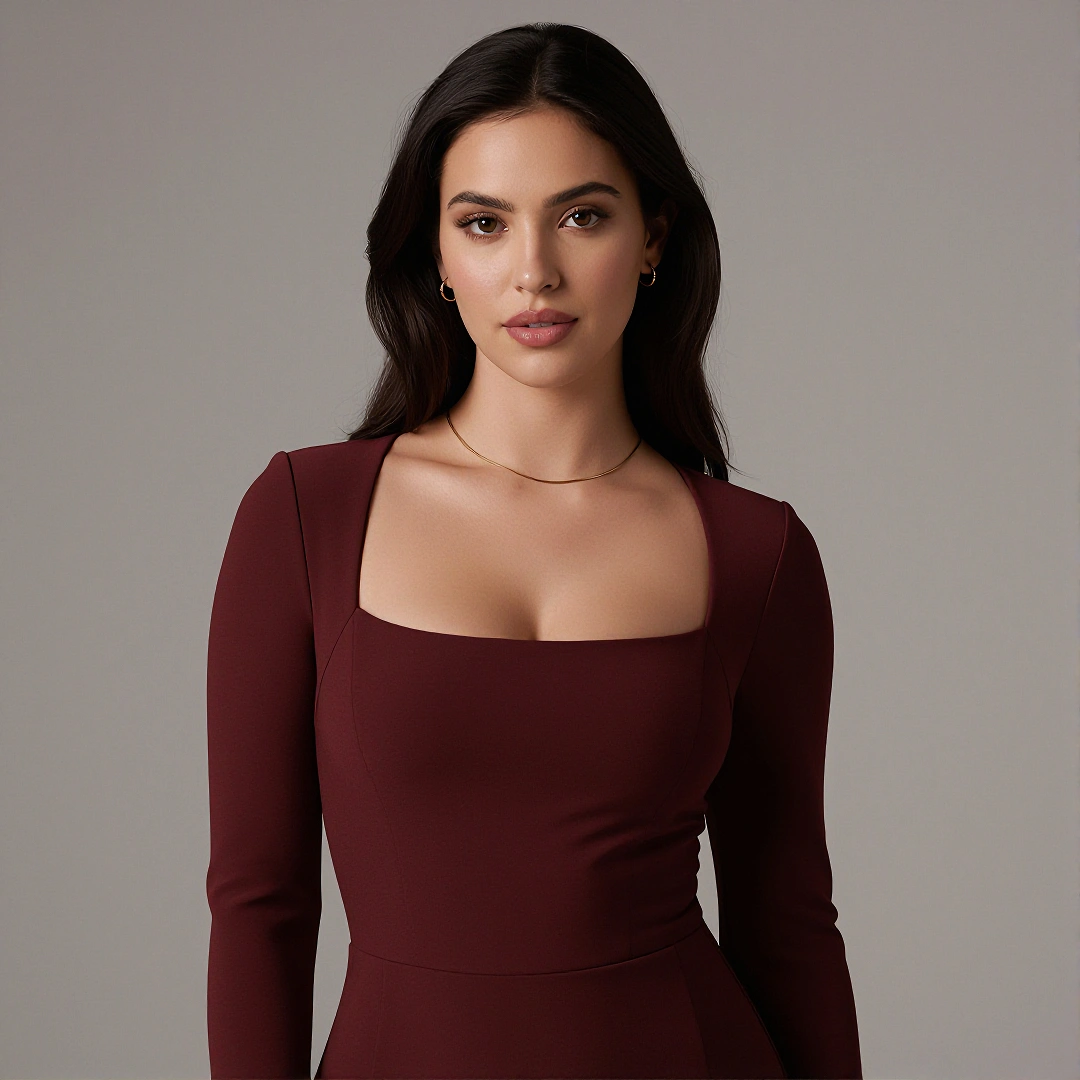
Use character images, setting references, motion clips, camera examples, voice samples, or audio references to guide separate parts of one result.
Seedance 2.0 reference to video, also searched as Seedance 2.0 R2V, is the appropriate route when identity, movement, environment, camera, or sound requires more specific control than a prompt or starting image can provide.
Create with References| Specification | Seedance 2.0 |
|---|---|
| Model | Seedance 2.0 |
| Creation focus | Unified multimodal audio-video generation |
| Input types | Text, image, video, and audio |
| Output type | Multi-shot audio-video |
| Generation modes | T2V, I2V, multimodal R2V, video editing, and extension |
| Resolution | 480p and 720p natively; 1080p and 4K on the documented enhanced route |
| Duration | 4–15 seconds |
| Frame rate | 24 FPS |
| Reference capacity | Up to 9 images, 3 videos, and 3 audio clips |
| Scene structure | Single-shot and connected multi-shot generation |
A larger reference set does not automatically create stronger control. Seedance 2.0 works more clearly when every uploaded asset answers a different creative question.
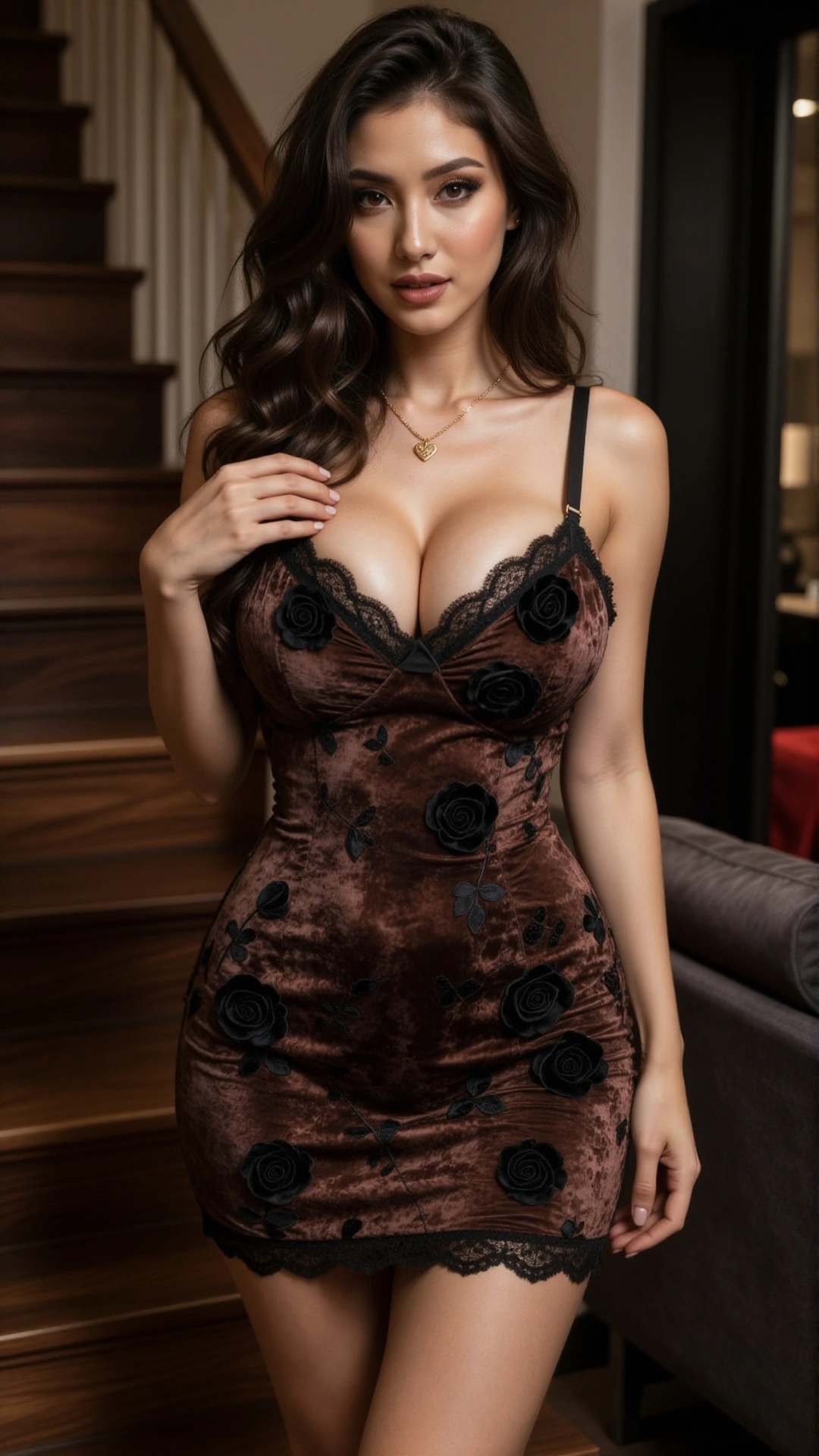
Use a clear character image to define facial features, body proportions, styling, and other details that should remain recognizable.
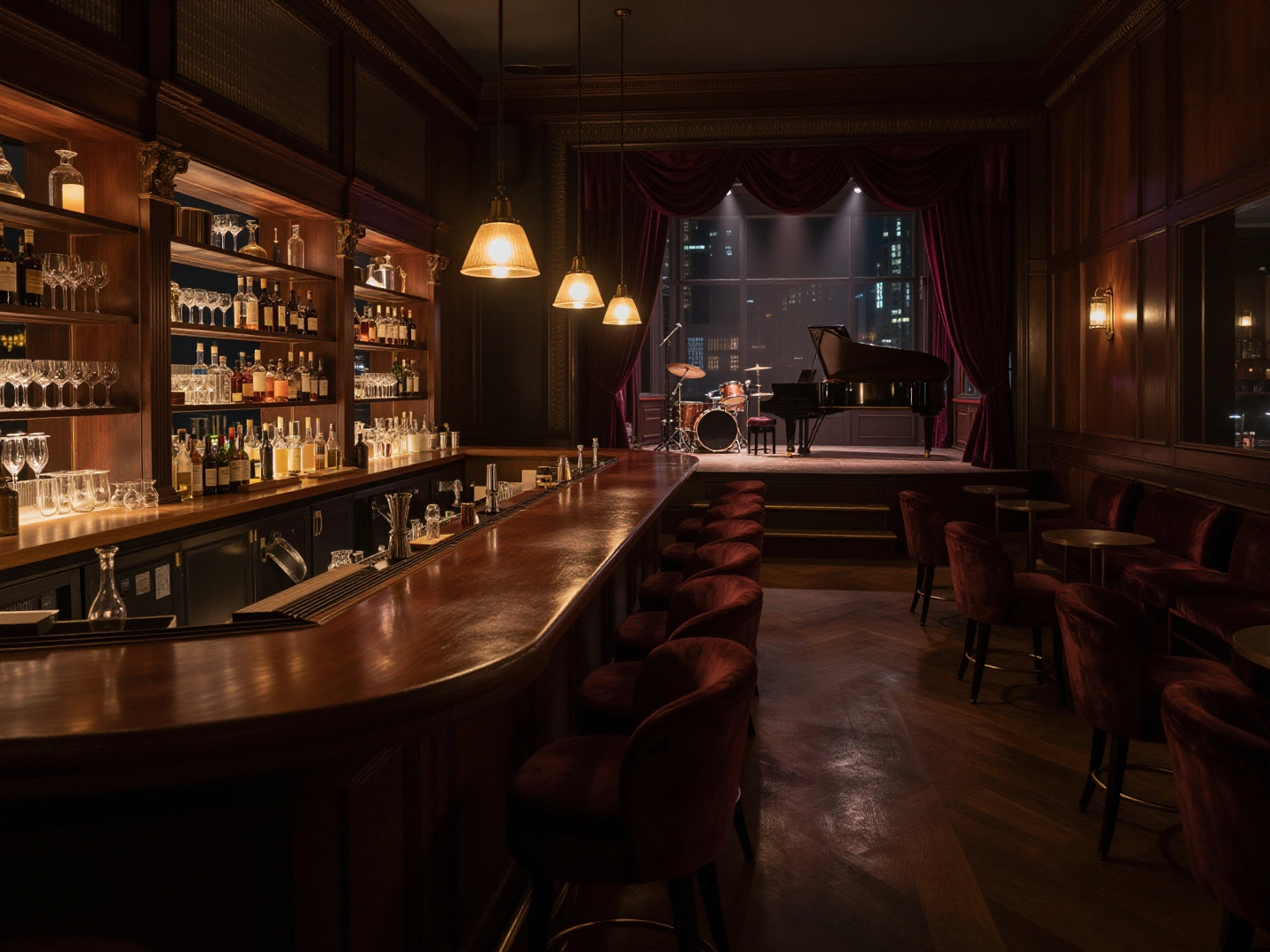
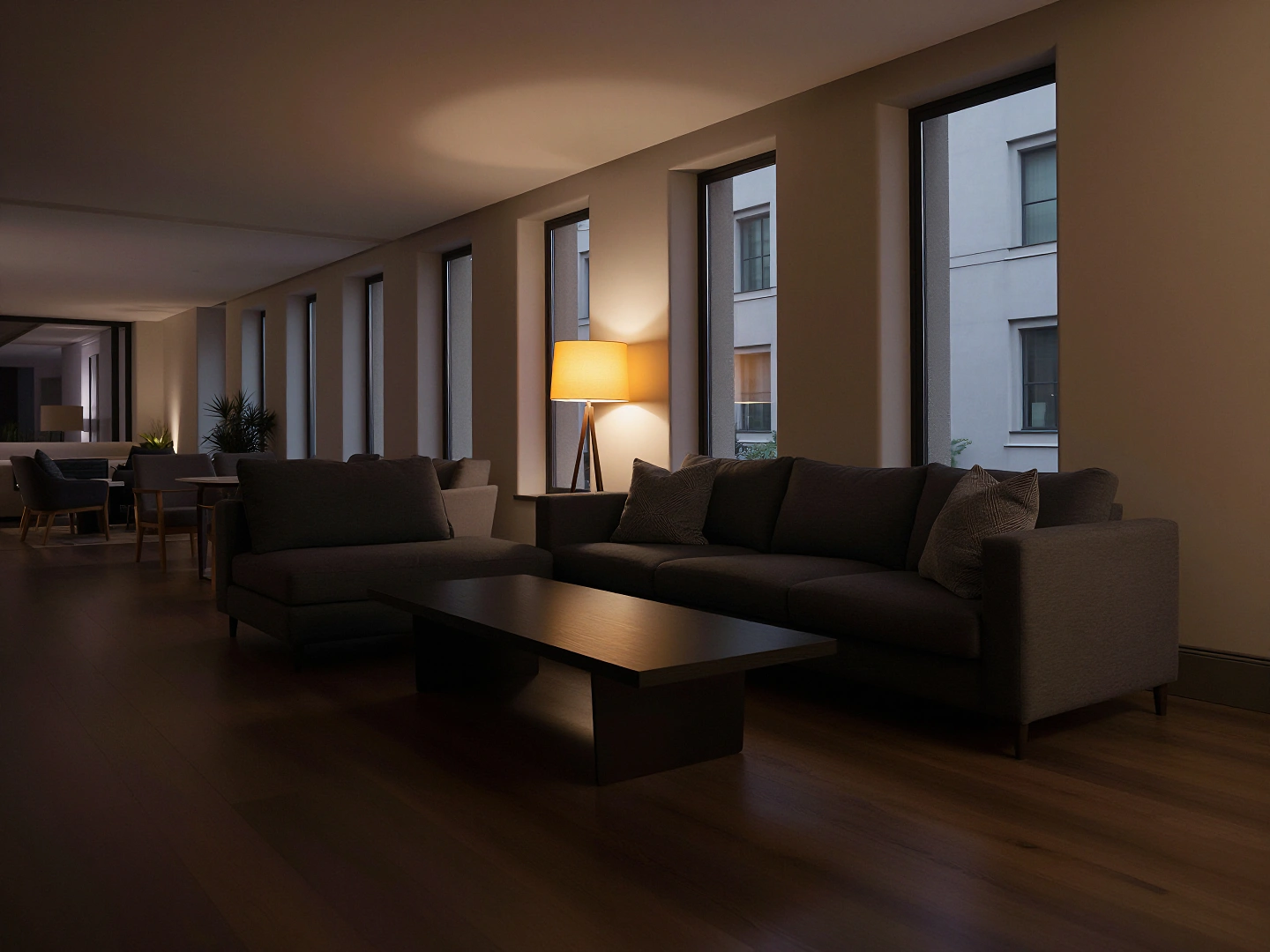
Use an environment image to establish location, composition, lighting, color, and the spatial relationship between characters and surrounding objects.
Use a video reference to guide body movement, interaction rhythm, camera behavior, shot progression, or the visual effect that is difficult to describe precisely in words.

Use an audio clip when voice, pacing, sound texture, musical rhythm, or atmosphere should shape the visible performance.
The prompt connects these materials. It should identify what each reference controls, explain how they work together, and state which details must remain consistent.
One scene. Different sources of direction. Every reference has a purpose.
The Seedance 2.0 family shares the same central creation paths, including Text to Video, Image to Video, multimodal reference generation, and video editing. The difference is what each model prioritizes: the broadest output range, faster creative iteration, or lighter repeatable generation.
Seedance 2.0
Seedance 2.0 Fast
Seedance 2.0 Mini
The three models support closely related creative workflows, but each one fits a different production need. Compare where your scene is now, what needs to change, and what you want from the next generation.
Use it when the main direction is clear and you are ready to develop the strongest complete version.
Use it while testing prompts, movement, framing, or alternate creative directions.
Use it when a short-form structure already works and needs more related scene variations.
The character, central action, references, and visual direction should already be mostly defined.
The idea can remain exploratory while you compare different ways to stage the scene.
The overall format should be settled, even if the character, setting, mood, or scene moment will change.
Keep the central direction stable and refine interaction, timing, camera behavior, atmosphere, and reference control.
Change one important decision at a time to identify which prompt, movement, or camera choice works better.
Preserve the recognizable structure while replacing selected elements for each new variation.
Use it when several creative elements need to work together inside one carefully directed scene.
Keep each attempt focused on one clear creative question so differences between versions remain easy to judge.
Keep the structure repeatable and avoid rebuilding every creative decision for each new clip.
Best for producing a smaller number of carefully developed final candidates.
Best for generating several exploratory versions before deciding which direction to continue.
Best for an ongoing collection of related short-form variations built from the same format.
Whether the complete scene works as intended when all of its creative elements come together.
Which prompt, movement, framing, or interaction is worth developing further.
Whether one successful creative format can support more scenes without being rebuilt from the beginning.
Move to Fast when major creative decisions are still changing. Move to Mini when the format is already established and needs more variations.
Move to Seedance 2.0 once the strongest direction is clear and ready for more deliberate development.
Move to Seedance 2.0 when a particular scene needs more detailed direction or a more complete production route.
When you want to finish and refine the strongest version of the scene.
When you still need to find the right creative direction.
When you want to create more scenes from a format that already works.
Seedance 2.0 is a unified multimodal audio-video model that accepts text, image, video, and audio inputs.
A Seedance 2.0 NSFW video generator applies these workflows to mature and 18+ scenes involving controlled characters, movement, interaction, camera direction, atmosphere, and sound.
If you want to create uncensored NSFW images and videos, NSFWSeedance provides a fully uncensored browser generator with no prompt restrictions. Start with text, an NSFW image, or multimodal references.
Yes. The model supports Seedance 2.0 text to video, Seedance 2.0 image to video, and multimodal Seedance 2.0 reference to video using image, video, and audio inputs.
Seedance 2.0 R2V describes a Reference to Video workflow. Instead of relying on only a prompt or starting frame, creators can assign separate references to character identity, environment, motion, camera behavior, voice, or sound.
Character references can reinforce facial features, body proportions, styling, and other recognizable details.
For stronger Seedance 2.0 character consistency, reuse a clear identity reference, avoid conflicting character images, and keep the written character description stable across related generations.
Yes. Seedance 2.0 native audio can include dialogue, voices, ambience, physical sound, effects, and music generated with the video.
Clear speaker identity and concise dialogue direction can help voice and visible performance remain connected.
Yes. Seedance 2.0 video editing can change selected visual or audio elements in existing footage. Video extension can continue an established character, environment, movement, or story direction beyond the original clip.
The underlying model architecture generates 480p and 720p output, while the documented enhanced route adds 1080p and 4K options. Supported duration is 4–15 seconds at 24 FPS.
Identify every reference by its intended role. State which source controls the character, setting, movement, camera, voice, or sound, then describe how those elements should combine in the final scene.
Avoid giving multiple references responsibility for the same detail unless they are visually and spatially compatible.
Seedance 2.0 provides the complete multimodal workflow and higher-resolution enhanced route. Seedance 2.0 Fast prioritizes lower-latency generation. Seedance 2.0 Mini focuses on compact, cost-efficient short-form production.
No local deployment or GPU configuration is required to create with NSFWSeedance. Its NSFW AI video generator runs in the browser, and registered users receive free credits without adding a payment method.
Begin with text, an NSFW image, or multiple references. Direct the character, environment, movement, camera, atmosphere, and sound as parts of one connected scene.
Fully uncensored creation. Free credits after registration. No payment method required.