Creating one convincing clip is a visual task. Creating a connected story is a continuity task.
Seedance 2.5 can organize logically connected shots inside a single generation of up to 30 seconds, then continue a narrative through extensions. That gives creators more room for Seedance 2.5 multi-scene storytelling, but extra duration alone does not hold a story together. Every change in location, appearance, physical arrangement, emotional direction, or camera language creates another detail the next shot must understand.
The practical solution is to stop treating the project as one long prompt. Build it as a sequence of controlled scene states. Define what changes, protect what must remain recognizable, and let the actual ending of one scene determine how the next begins.
This guide presents a complete uncensored multi-scene AI video workflow for Seedance 2.5. It explains how to structure the story, decide what belongs in one generation, organize references, preserve character consistency across scenes, and repair continuity failures without rebuilding the entire project. The workflow is written for18+ AI VIdeo creation in which identity, body positioning, close interaction, and scene state all need deliberate control.
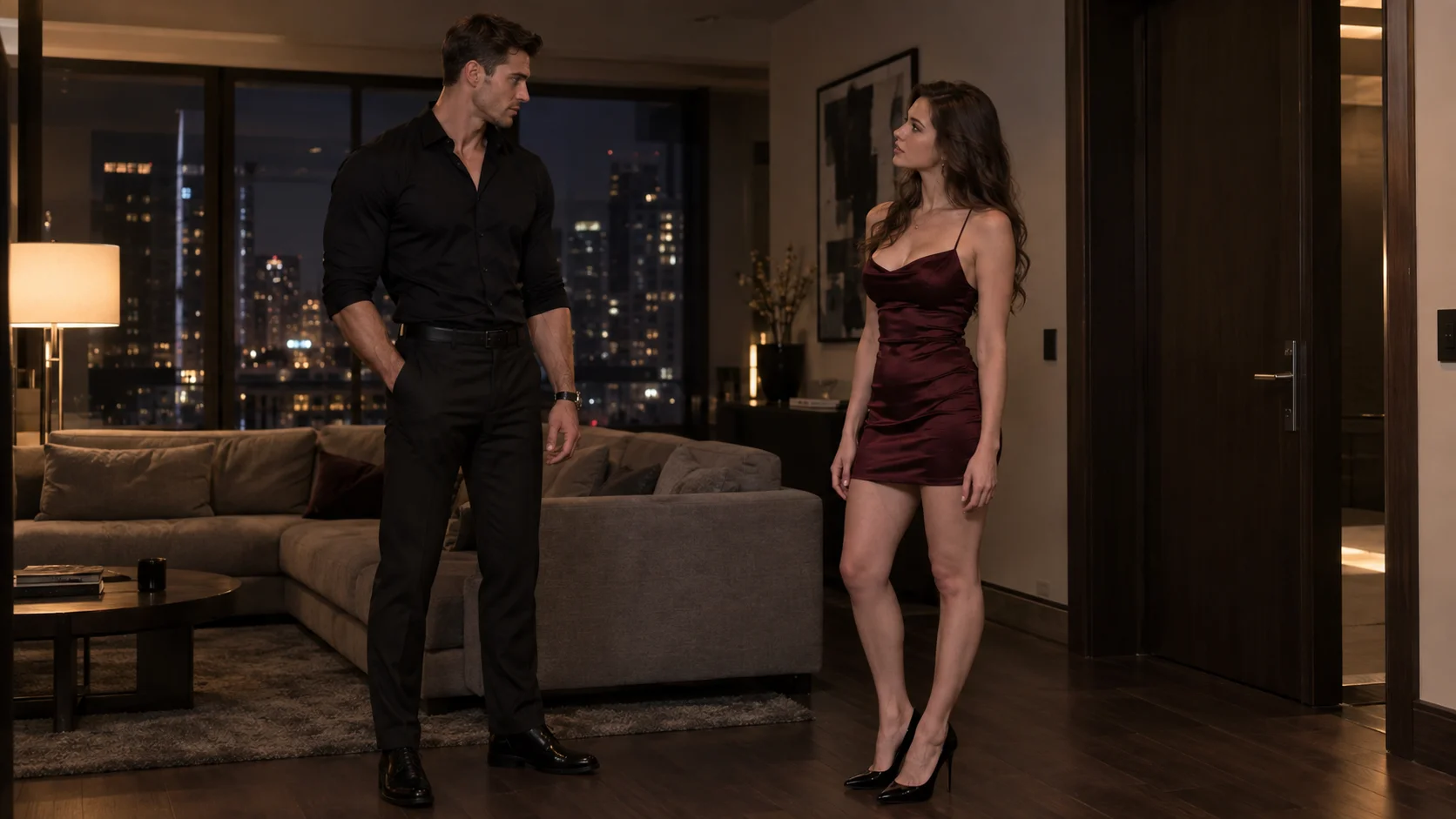
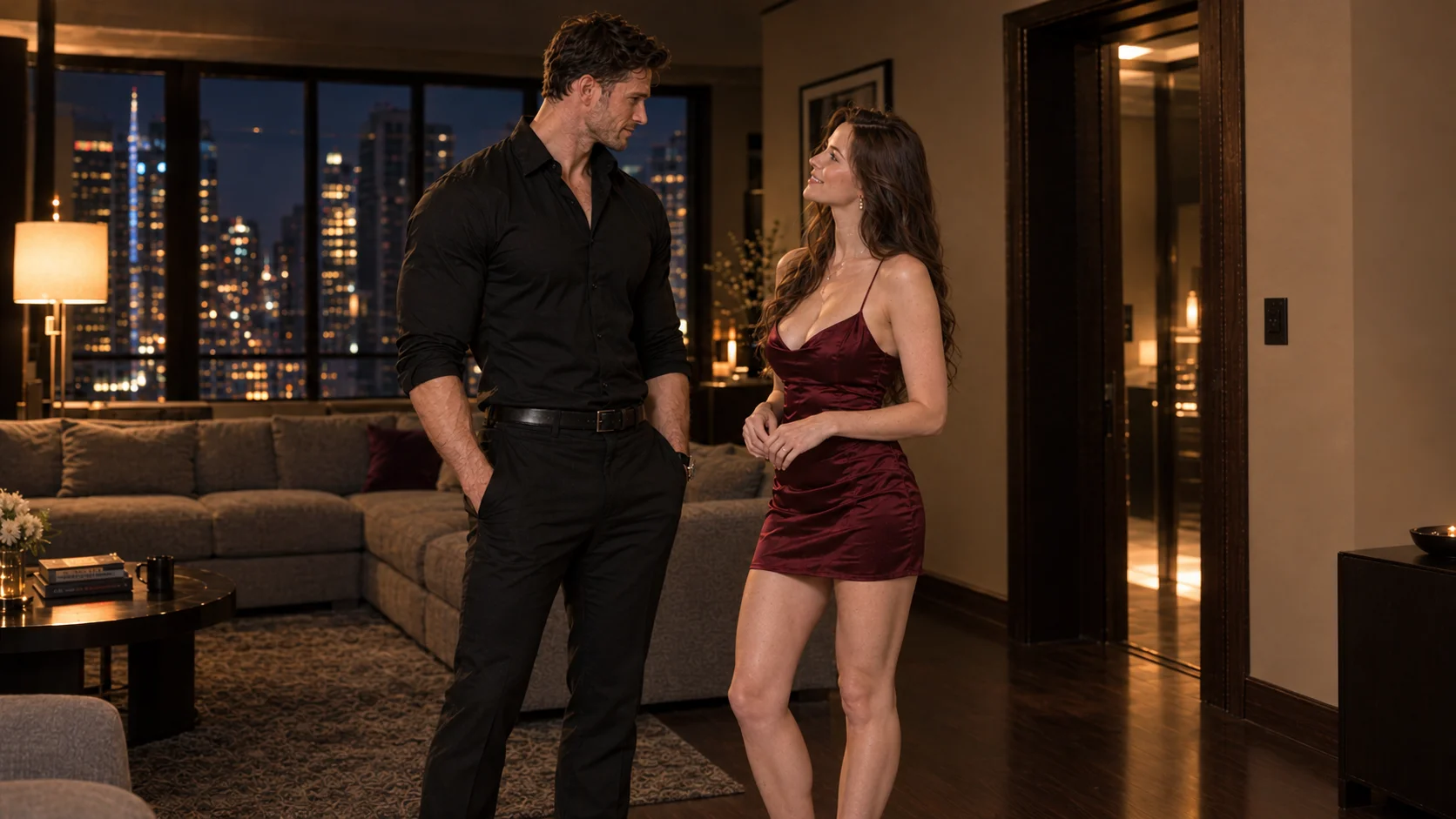
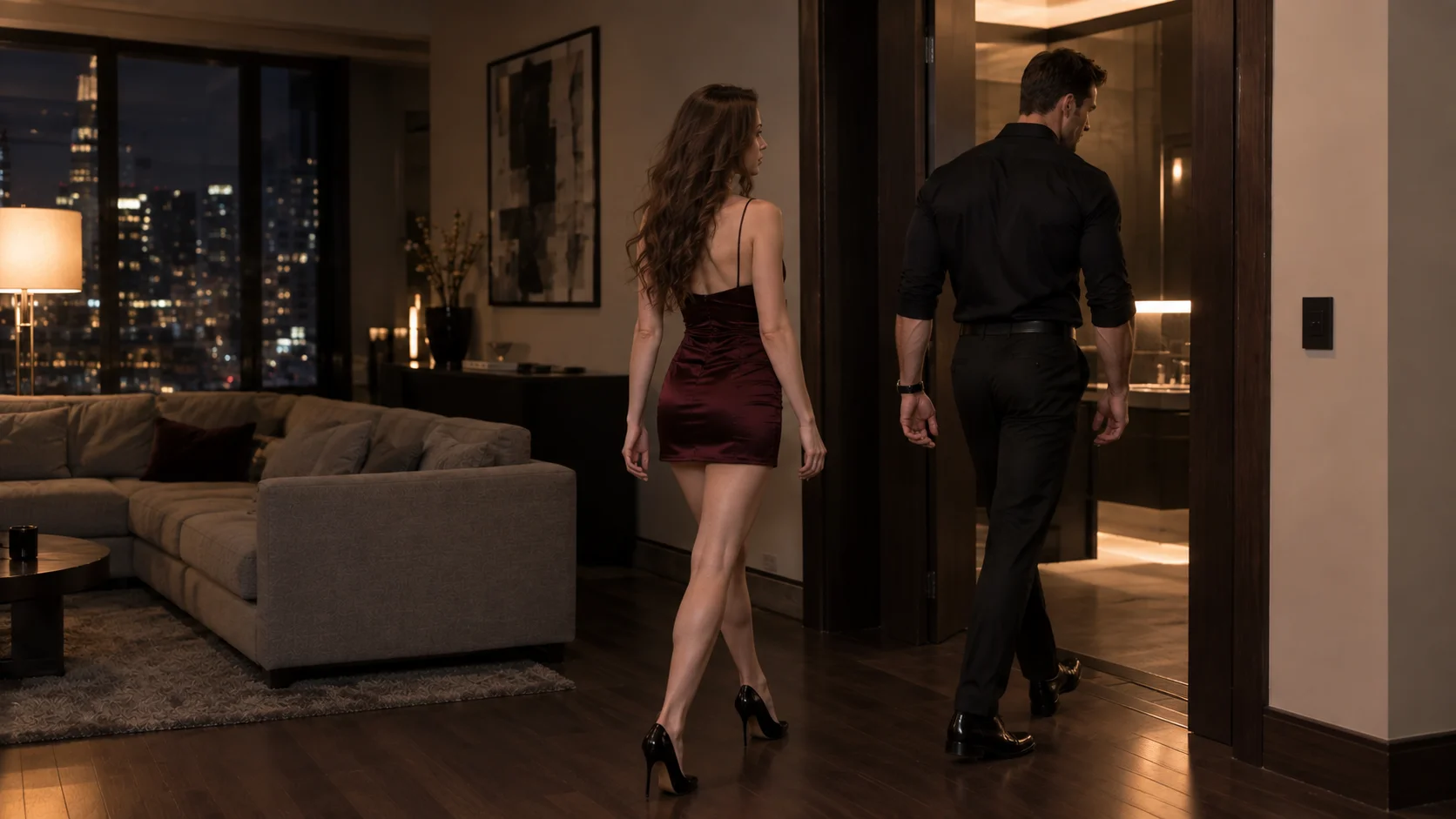
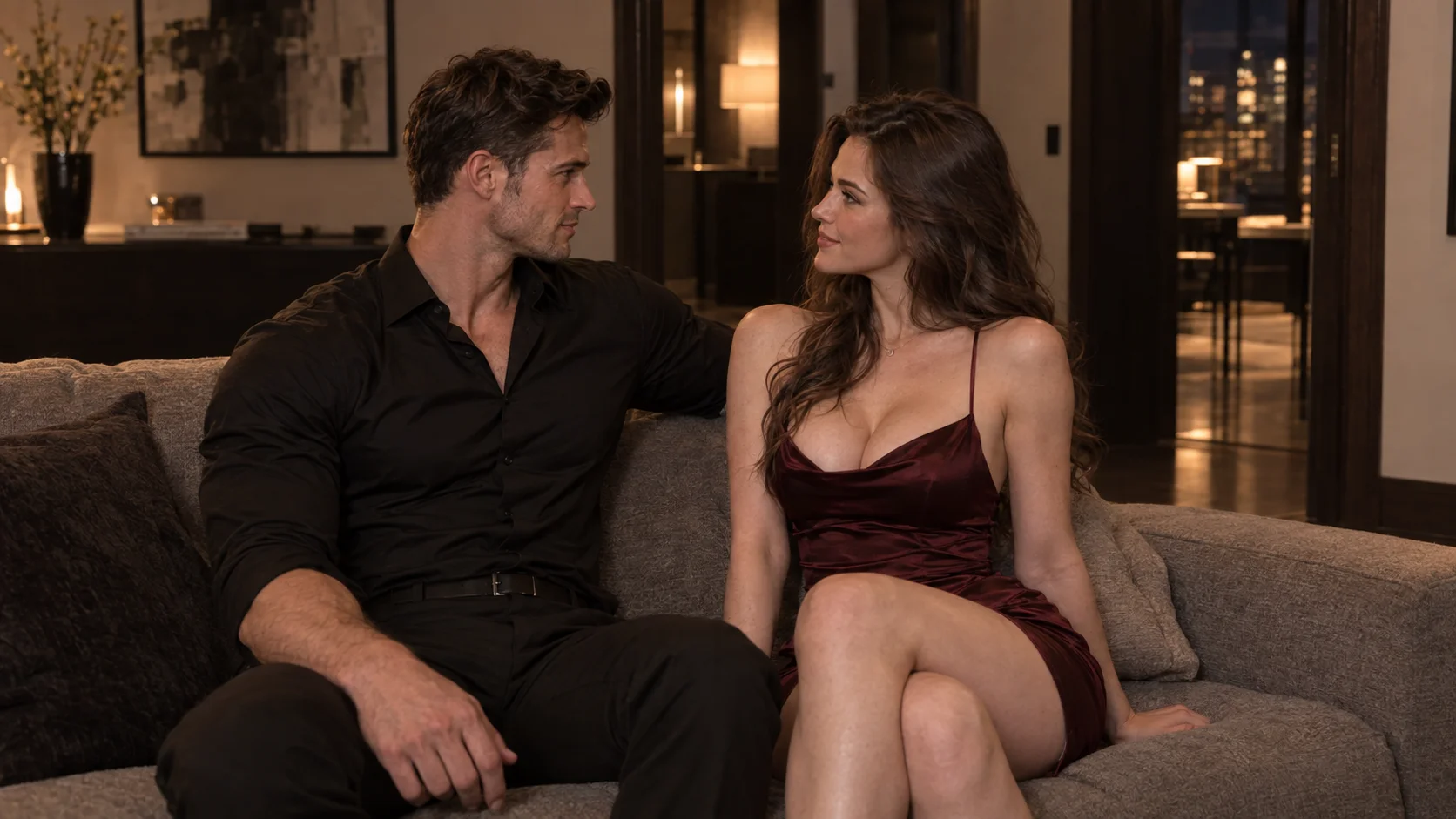
Quick Answer: Build Scenes as Connected States
Use one Seedance 2.5 generation when several shots belong to the same continuous event: the characters, location, appearance state, and physical positions remain largely stable while the camera or action progresses.
Split the story into separate clips when it crosses a real scene boundary, such as a new location, a time shift, a meaningful change in appearance, a reset in physical positioning, or a new stage of the relationship. For most uncensored multi-scene AI video projects, the strongest structure is hybrid: connected shots inside each scene, separate generations between major scenes, and a deliberate handoff from every clip to the next.
The workflow has six parts:
- Write a Story Spine that defines the cause-and-effect path.
- Use a Scene Boundary Test to decide where a new scene begins.
- Choose a single-generation, modular, or hybrid structure.
- Set Continuity Priorities before collecting references.
- Record each scene with a Scene State Card.
- Build the next scene from the real ending of the previous output.
The capitalized names are planning terms used in this guide, not Seedance settings. Their purpose is to turn an abstract story into decisions a video workflow can actually support.
Multi-Scene Is Not the Same as Multi-Shot
A shot is one continuous camera view. A scene is a connected unit of story that usually shares a place, time, and dramatic situation. A multi-scene story contains several of those units, linked by cause and effect.
That distinction matters because a camera cut does not automatically create a new scene. A wide shot of a private suite, a close view of one character's reaction, and a side angle of both characters moving closer can all belong to the same scene. The camera changes, but the narrative state continues.
A move from that suite to another location later in the evening is different. The environment must be established again. Character positions reset. Lighting may change. The previous interaction has altered the emotional state. Even if the same people remain on screen, the model is now solving a new scene.
This gives the three terms different jobs:
| Term | What changes | Best use |
|---|---|---|
| Multi-shot sequence | Camera angle, framing, or shot size | Showing several views of one continuous event |
| Multi-scene story | Place, time, dramatic stage, or character state | Building a narrative with meaningful transitions |
| Separate clips | The generation unit itself | Giving each major scene its own controllable starting point |
Confusing these concepts often leads to an overloaded prompt. The creator asks for several locations, camera cuts, appearance changes, and interactions in one generation because each item sounds like another “shot“. The model receives a collection of transitions without a clear narrative hierarchy. Some events disappear, others happen too early, and continuity weakens precisely where the story is supposed to advance.
The first planning question is therefore not, “How many shots do I want?“ It is, “How many times does the state of the story genuinely change?“
Give the Story a Spine Before You Build the Shots
A Story Spine is a one-sentence cause-and-effect path through the entire video. It does not describe every movement or camera angle. It states what changes from the opening to the ending and why each scene must exist.
For example:
Two fictional 18+ characters meet in a private setting, move from uncertainty to mutual trust, cross an intimate turning point, and end with a quiet decision that opens the next chapter.
That sentence gives the story direction without locking it into a long script. It also reveals four possible stages:
- Arrival: establish the characters, place, and initial distance.
- Connection: show the interaction changing the relationship.
- Turning point: make the central decision or physical change visible.
- Consequence: show what is different after the turning point.
Each stage needs a distinct narrative job. If two stages communicate the same information, combine them. If one stage tries to establish a location, introduce a character, change the relationship, move to a new room, and resolve the story at once, divide it.
The test is simple: finish the sentence, "This scene exists to show..." with one clear answer. "This scene exists to show that the characters trust each other enough to move closer" is useful. "This scene exists to show the room, several poses, three camera moves, a conversation, and the ending" is a production list, not a story purpose.
This step protects the article's main idea from becoming another prompt formula. A prompt can describe what should appear. The Story Spine decides why the next scene should happen at all.
Use the Scene Boundary Test
The Scene Boundary Test determines whether the next event should remain inside the current generation or begin as a new clip. Check five kinds of change:
- Place:Does the story move to a different environment or a substantially different area?
- Time: Does it jump forward, pause for a meaningful interval, or enter a new lighting condition?
- Appearance state: Does clothing, styling, a key accessory, or another visible state change?
- Physical arrangement: Do the characters need to restart in positions that the previous action cannot reach cleanly?
- Dramatic purpose: Has the scene finished one task and begun a genuinely different stage of the story?
One small change does not always require a split. A camera move, a shift from standing to sitting, or a gradual change in mood may remain inside one continuous scene. When several categories change together, a new clip usually provides more control.
Keep events together when they share the same environment, cast, visual state, and continuous action. Split them when the next part requires the model to reconstruct the world rather than continue it.
The boundary also protects NSFW multi-scene sequences from preventable errors. Close physical interaction depends on readable body positioning, contact points, occlusion, and camera distance. Asking the same generation to preserve those relationships while also changing location, appearance, and shot language gives the model too many connected variables to resolve at once.
Use a new scene boundary to isolate the change. The story can still feel continuous after editing, but each generation receives a clearer problem.
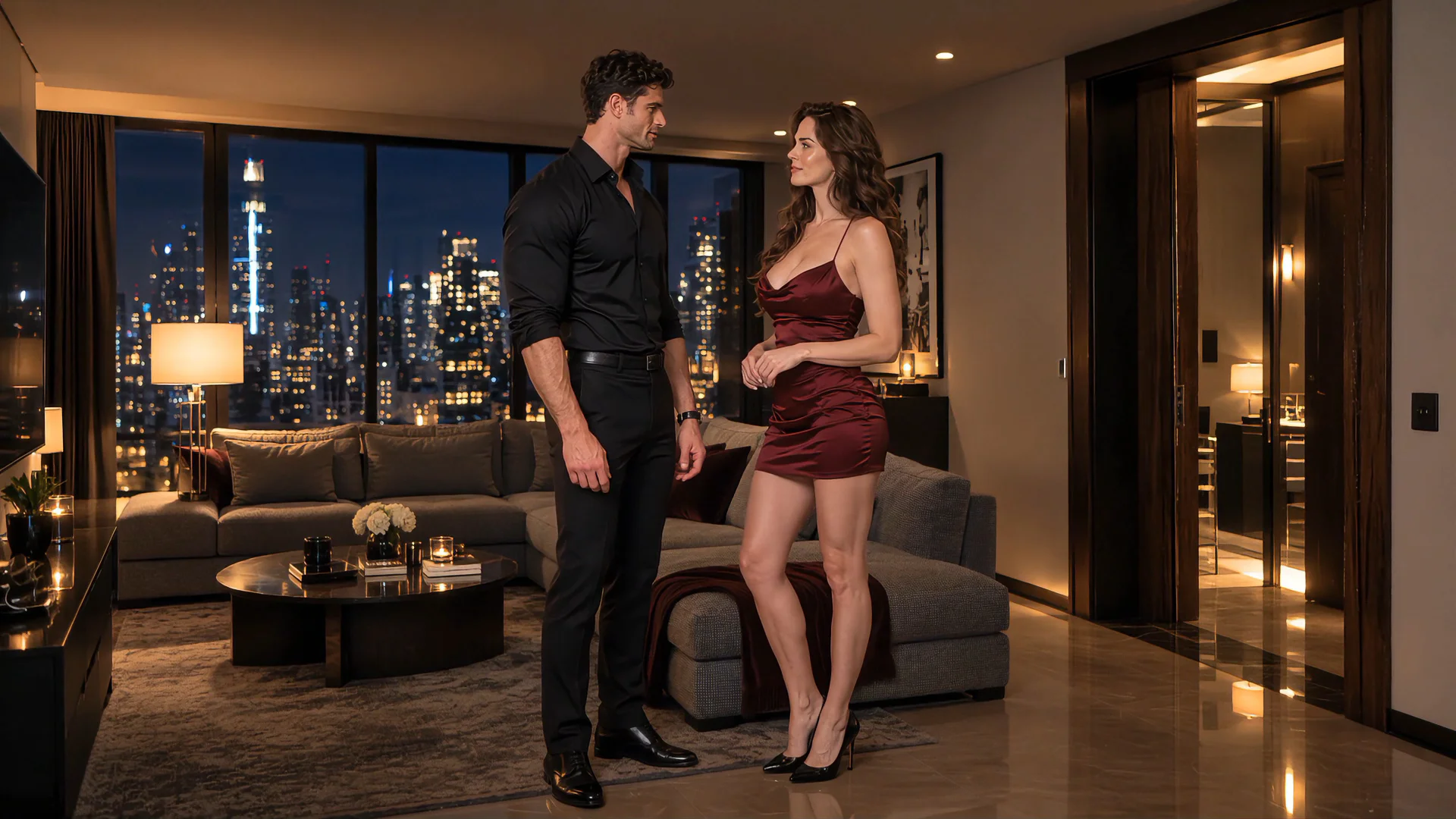
Conversation in the lounge
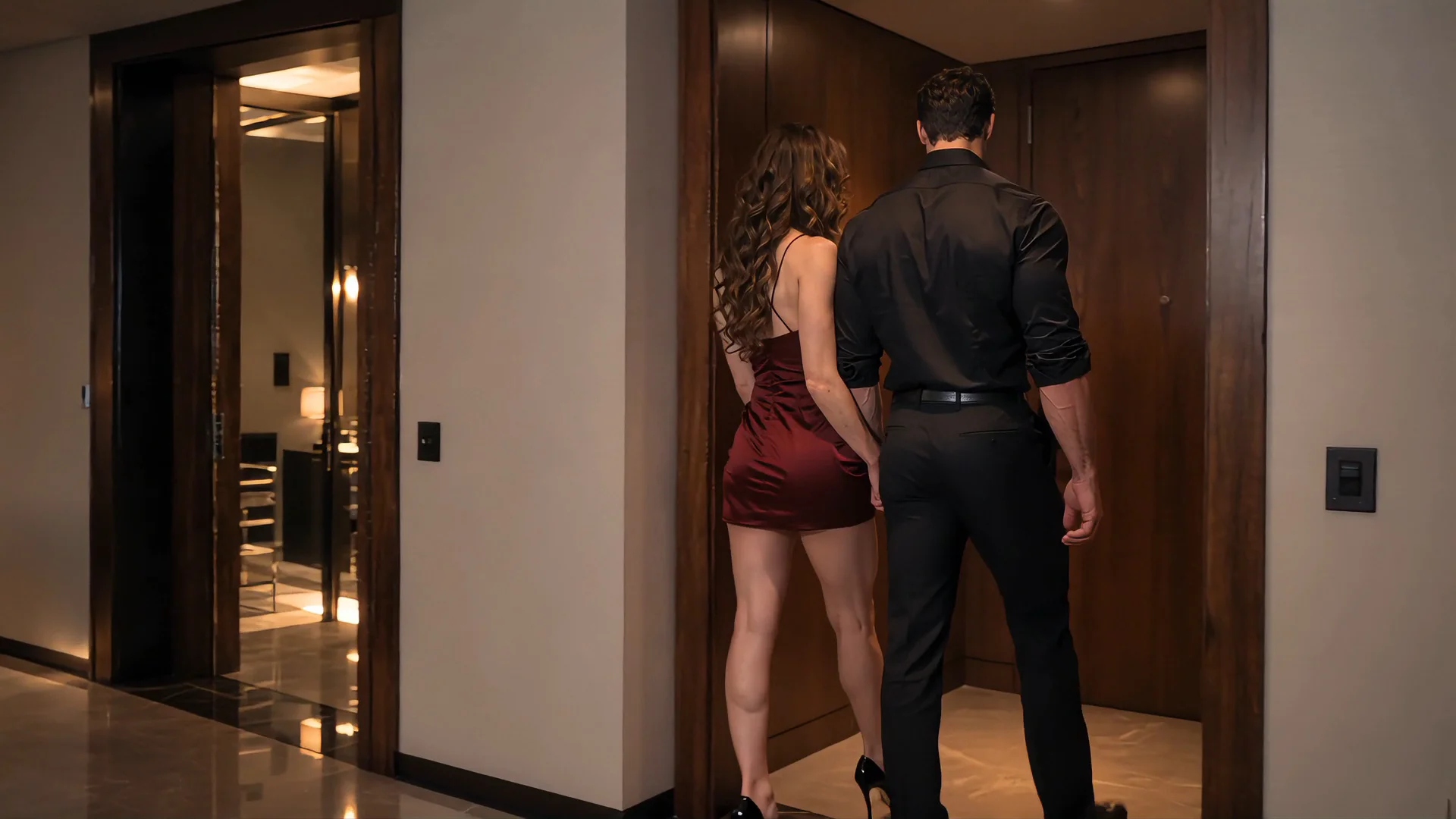
Moving toward the adjoining room
Choose the Right Generation Architecture
Once the boundaries are visible, choose how the scenes will be generated. The following labels describe production structures, not model modes.
Single-Generation Sequence
Use one generation when the story can unfold as a compact chain of connected shots within the same world state. This route suits a contained interaction, a continuous camera journey, or a short narrative whose transitions are mostly changes in framing and performance.
Its advantage is shared context. Characters, lighting, sound, and environment begin inside the same generation. Its weakness is repairability. If one late event fails, regenerating may change earlier moments that already worked.
Modular Clip Workflow
Generate each major scene separately when the story changes location, time, appearance, staging, or emotional phase. This makes individual scenes easier to redirect and replace. It also means the workflow must actively carry identity, visual language, and story state between clips.
The modular route provides control, not automatic continuity. Treating every scene as a fresh prompt without a shared reference and state system usually produces a series of attractive but disconnected clips.
Hybrid Workflow
Use multi-shot progression inside a scene and separate clips between scene boundaries. This is the most flexible structure for a Seedance 2.5 multi-scene video because it keeps closely related actions in shared context while giving major story changes a clean starting point.
| Story condition | Recommended structure | Why |
|---|---|---|
| Same setting and continuous interaction | Single generation | Shared visual and spatial context matters most |
| Several camera views of one event | Single generation | The shots can inherit one scene state |
| New location or meaningful time shift | Separate clip | The environment needs a fresh definition |
| Major appearance or position reset | Separate clip | The new opening state can be controlled directly |
| Several scenes with short internal shot changes | Hybrid | Each scene stays coherent without forcing the full story into one generation |
| One scene needs repeated revisions | Modular or hybrid | The weak section can be replaced independently |
Seedance 2.5 can produce up to 30 seconds in a single generation and supports subsequent extensions. That capacity is valuable, but it should not decide the structure by itself. Use the full span when the story can maintain one connected state. Split it when control matters more than uninterrupted generation.
Set Continuity Priorities Before Adding References
Continuity is not the instruction to keep everything identical. A story requires change. Continuity means preserving the details that make each intentional change understandable.
Before collecting assets, rank what the viewer must continue to recognize. A practical set of Continuity Priorities has three levels.
Identity Priorities
These define who the characters are across the full story:
- Facial structure and distinguishing features
- Hair shape, length, and color
- Body proportions and silhouette
- Stable accessories or identifying details
- Voice qualities when spoken audio continues across scenes
Scene Priorities
These hold the visual world together during one scene:
- Environment layout and major objects
- Lighting direction and color treatment
- Wardrobe continuity
- Character placement and screen direction
- Camera language and approximate lens feeling
Interaction Priorities
These become critical when two characters move in close proximity:
- Which character stands on each side
- Where contact begins and ends
- Which body parts are visible or obscured
- Gaze direction and relative height
- Pose transitions and camera distance
Not every priority needs equal emphasis in every shot. A facial close view needs strong identity anchors but may not need a complete room description. A wide interaction shot needs clear body positioning and environment layout but should not carry a paragraph of small facial details.
Choose the continuity details whose failure would make the story visibly wrong. This creates a stable core while leaving Seedance enough room to render natural motion and performance.
Resolve Reference Conflicts Before Generation
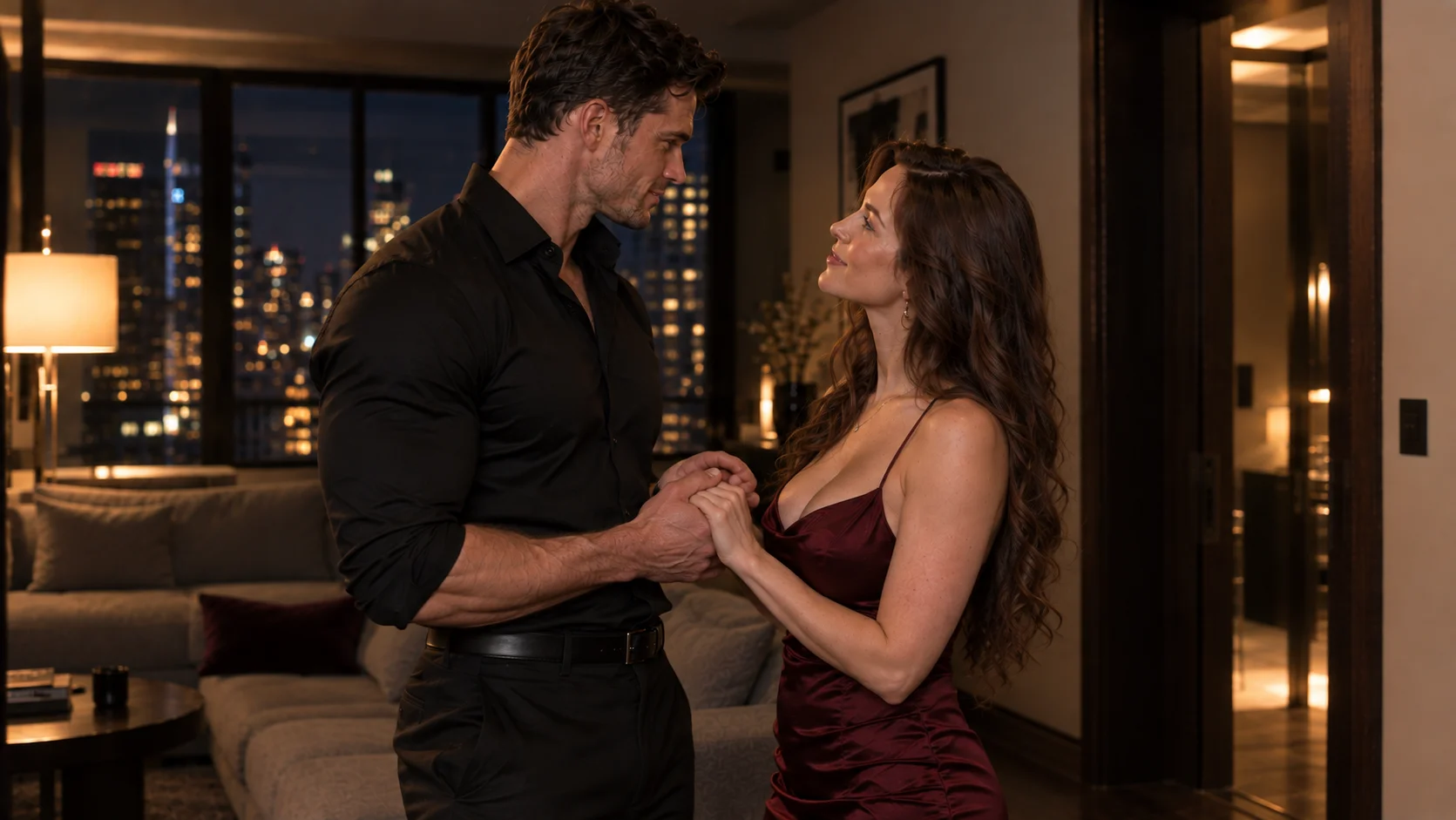
More references do not automatically create more control. When two assets give different instructions about identity, appearance, positioning, movement, or camera direction, Seedance 2.5 has to interpret which signal matters. Resolve that conflict before generation by deciding which reference owns each visual decision.
A Reference Role Map assigns one primary job to every input before generation.
| Reference | Primary job | What it should control |
|---|---|---|
| Character portrait | Identity | Face, hair, and recognizable features |
| Full-body character image | Proportions and styling | Silhouette, wardrobe, and key accessories |
| Environment image | Location | Layout, materials, light, and atmosphere |
| Pose or blocking image | Physical arrangement | Relative positions, orientation, and visible contact |
| Motion video | Movement | Pacing, direction, and motion character |
| Camera reference | Cinematic language | Framing, camera path, and shot rhythm |
| Audio reference | Sound identity | Voice quality, rhythm, or atmosphere |
The phrase "one role" does not mean an image can influence only one visual detail. It means the workflow has decided which question that asset is trusted to answer.
Suppose three character images show different hair, styling, and lighting. The model must infer which differences are intentional. Adding more images has increased ambiguity instead of reducing it. A smaller set with a stable identity image, one compatible full-body view, and one scene-specific blocking reference may provide clearer direction.
For a Seedance 2.5 NSFW story, reference conflicts become especially visible during intimate interaction. If identity, body positioning, appearance state, and camera angle all come from incompatible images, the generated scene may preserve pieces of each without forming one coherent arrangement. Resolve the conflict before generation by deciding which asset owns each visual decision.

Record Each Scene with a Scene State Card
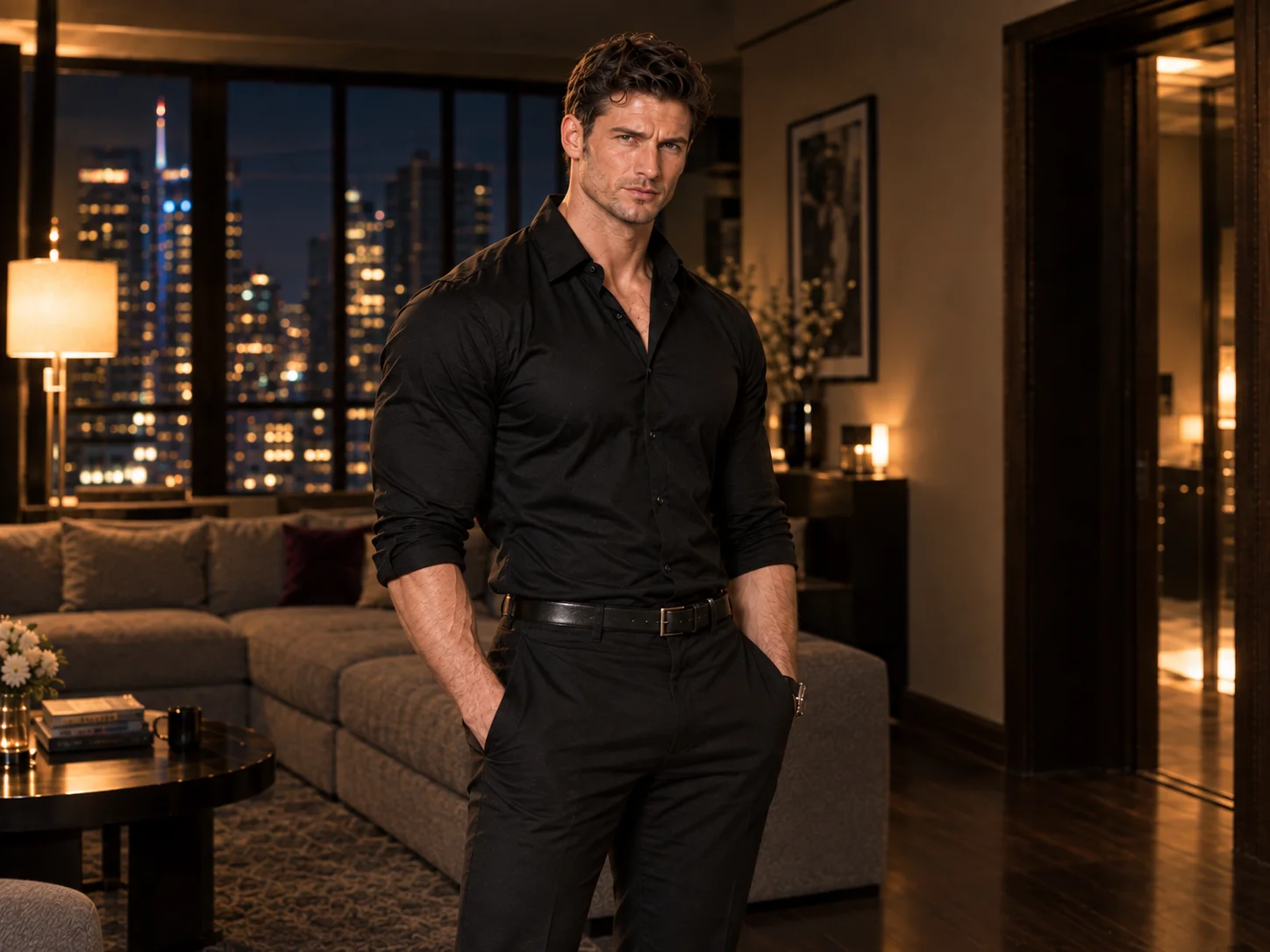
A Scene State Card is a short production record for one scene. The Story Spine tracks narrative purpose. The State Card tracks what must be true when the scene begins and what should be true when it ends.
Use these fields:
| Field | What to record |
|---|---|
| Scene purpose | The one change this scene adds to the story |
| Opening state | Location, character positions, appearance, mood, and active objects |
| Main action | The visible action that creates the change |
| Camera task | The framing or movement needed to reveal it |
| Continuity locks | Details that cannot drift during this scene |
| Ending state | The exact visual and narrative condition the next scene inherits |
A useful card is short enough to scan. For example:
Scene 1: Arrival
- Purpose: establish anticipation and distance.
- Opening state: both characters enter from different sides of a softly lit lounge.
- Main action: they notice each other and approach.
- Camera task: move from a wide establishing view to a restrained two-shot.
- Continuity locks: identity, styling, room layout, left-to-right placement.
- Ending state: both characters stop beside the sofa, facing one another at close conversational distance.
Scene 2: Connection
- Purpose: change hesitation into mutual trust.
- Opening state: use the final positions from Scene 1.
- Main action: a quiet exchange reduces the distance between them.
- Camera task: hold a medium two-shot, then move closer for the reaction.
- Continuity locks: facial identity, wardrobe, sofa position, warm side lighting.
- Ending state: both characters turn toward the adjoining room, with one leading and the other following.
The Ending State is the most important field. It gives the next scene a concrete starting condition instead of asking the model to guess what happened between clips.
Carry the Story Forward with a Continuity Handoff
A Continuity Handoff is the transfer of usable state from one generated clip to the next. It begins after generation, not before it.
This distinction matters because the output may not end exactly as the plan predicted. A character may stop on the opposite side of the frame. The camera may settle closer than expected. A hand may hold a different object, or the lighting may shift during the final seconds. If the next prompt follows the original script rather than the actual clip, the transition begins with a contradiction.
After each generation:
- Select the version whose ending can support the next scene, not only the version with the strongest opening.
- Inspect the final usable frame for identity, positions, gaze, visible objects, camera height, lighting, and appearance state.
- Update the current Scene State Card with what truly happened.
- Decide which state should continue and which change should occur at the boundary.
- Build the next scene from that observed state, using the relevant image, video, or audio reference when the workflow supports it.
There are three useful types of handoff:
- Visual handoff: carries identity, styling, color, and environment language.
- Action handoff: begins the new clip from a readable version of the previous motion or pose.
- Narrative handoff: carries the result of the previous scene even when the location changes.
Not every transition needs all three. A direct continuation benefits from visual and action continuity. A time jump may deliberately change the image while preserving only the narrative result. The handoff should carry what the viewer needs to understand, not mechanically duplicate the final frame.
This is also where an extension and a new scene serve different purposes. Extend when the same event should continue from its existing audiovisual state. Start a separate clip when the story needs a controlled reset. The decision comes from the scene boundary, not from the desire to make the video longer.
A Complete Hybrid Workflow Example
Consider a three-scene NSFW AI video story involving two fictional 18+ characters. The story moves from arrival, to trust, to a more intimate turning point, then closes on a quiet consequence. The goal is not to describe every possible event. It is to show how the production decisions preserve continuity.
Scene 1: Arrival and Recognition
The first scene takes place in one lounge. It uses a wide establishing shot, a medium approach, and a close reaction. These are multiple shots, but they remain one scene because the place, appearance, and action are continuous.
Generate this as one connected sequence. Use the identity references for both characters and one environment reference. Keep the camera movement restrained so the model can establish positions clearly.
The scene should end with both characters stopped beside a recognizable object in the room. That object becomes a spatial anchor for the next scene.
Scene 2: Trust Changes the Interaction
The second scene remains in the lounge but begins a distinct dramatic phase. It can be generated as a separate clip if the creator needs precise control over facial performance, dialogue timing, or closer physical staging.
The opening should reproduce the final arrangement of Scene 1: the same sides of the frame, the same nearby object, compatible lighting, and the same appearance state. The new action then changes only one major relationship at a time.
This clip ends with both characters oriented toward the adjoining room. The final image should make the direction of travel clear. That visible intention is the narrative handoff.
Scene 3: A New Space and a More Intimate Turning Point
The third scene crosses a true boundary. The location, staging, camera distance, and interaction state all change. Generate it separately rather than forcing the move and the central interaction into the previous clip.
Carry the character identity and visual language forward, but introduce a dedicated environment reference for the new room. Use a blocking reference only if it clarifies body positioning without conflicting with the identity assets.
Because close physical interaction increases the importance of anatomy, contact points, and occlusion, keep the visible action focused. Let the camera reveal the change rather than asking several poses, angles, and movements to happen simultaneously.
Closing Image
The ending does not need another complex scene. A short final clip can show the consequence through stillness, a changed distance between the characters, an object left in view, or a camera pullback that closes the visual idea.
This is the hybrid structure in practice:
- Multi-shot progression establishes each continuous event.
- Separate clips isolate major scene changes.
- Shared references preserve identity and visual language.
- Scene State Cards track what changes.
- Continuity Handoffs connect actual outputs rather than imagined endings.
The workflow does not place the story inside a fixed category. It gives each creative decision a controlled place to happen.
Diagnose the Break Before You Regenerate
When a multi-scene video fails, rewriting every prompt at once makes the cause harder to identify. Match the visible symptom to the smallest useful correction.
Symptom
A character looks different in the next scene
- Likely cause
- Identity references changed or compete with scene-specific assets
- First change to make
- Restore one stable identity set and remove conflicting appearance cues
Body proportions drift in a wide or close interaction
- Likely cause
- Too many changes occur while framing and physical contact also change
- First change to make
- Simplify the action and reinforce the relevant full-body reference
Characters switch sides or appear to jump across the room
- Likely cause
- The previous ending state was not transferred
- First change to make
- Record screen position, travel direction, and the nearest spatial anchor
A close interaction becomes difficult to read
- Likely cause
- Contact, occlusion, camera motion, and pose changes compete
- First change to make
- Hold the camera steadier and give the scene one primary physical transition
Wardrobe or styling resets without story reason
- Likely cause
- The new clip begins from a generic character description
- First change to make
- Carry the exact appearance state into the next Scene State Card
The location feels unrelated despite using the same reference
- Likely cause
- Layout and lighting were not treated as continuity locks
- First change to make
- Reinforce the spatial anchors and light direction that define the place
Voice or atmosphere shifts sharply
- Likely cause
- Each clip reinterprets its own sound direction
- First change to make
- Reuse the relevant audio reference or unify the sound during editing
A single generation skips a planned scene
- Likely cause
- The prompt contains too many boundaries or equal-priority events
- First change to make
- Split at the strongest Scene Boundary and generate the sections separately
Individual clips look good but the story feels random
- Likely cause
- The scenes share style but not cause and effect
- First change to make
- Rewrite the Story Spine and give each scene one consequence to pass forward
The final clip stops without resolution
- Likely cause
- No ending state was designed
- First change to make
- Add a closing action, reaction, or composed final image before regeneration
Seedance 2.5 improves longer storytelling and multi-subject reference control, but complex motion and interactions among several subjects can still lose physical clarity. Recognizing that boundary is part of directing the model. When the scene asks for too many simultaneous relationships, reducing the action or splitting the generation is often more productive than adding another paragraph of instructions.
Final Takeaway: One Story, Several Controlled States
A successful multi-scene video is not one enormous prompt. It is a chain of intentional changes.
Give the full story one cause-and-effect spine. Keep connected shots together, split at genuine scene boundaries, and assign every reference a clear responsibility. Before generating the next clip, inspect how the previous one actually ended. Carry forward the identity, position, appearance, sound, and narrative result that the viewer needs to recognize.
Seedance 2.5 provides the duration, multimodal references, scene changes, extensions, and editing control needed to build beyond an isolated clip. The quality of the finished story still depends on how clearly those capabilities are directed.
Bring your Story Spine, reference set, and first Scene State Card into NSFWSeedance to start creating a fully uncensored multi-scene video for consensual 18+ use.
Create an NSFW Multi-Scene Video