Create NSFW AI Couple Videos with Natural Interaction
NSFWSEEDANCE COUPLE VIDEO WORKFLOW
Bring two distinct partners into one mature private scene with the NSFW AI couple video generator. Upload a separate reference for each partner, then direct how they approach, respond, move, and share the frame.
Go beyond placing two people beside each other. Create visible attraction through eye contact, body direction, changing distance, subtle reactions, and camera focus. Each person receives a separate visual reference while the Scene Prompt defines what happens between them.
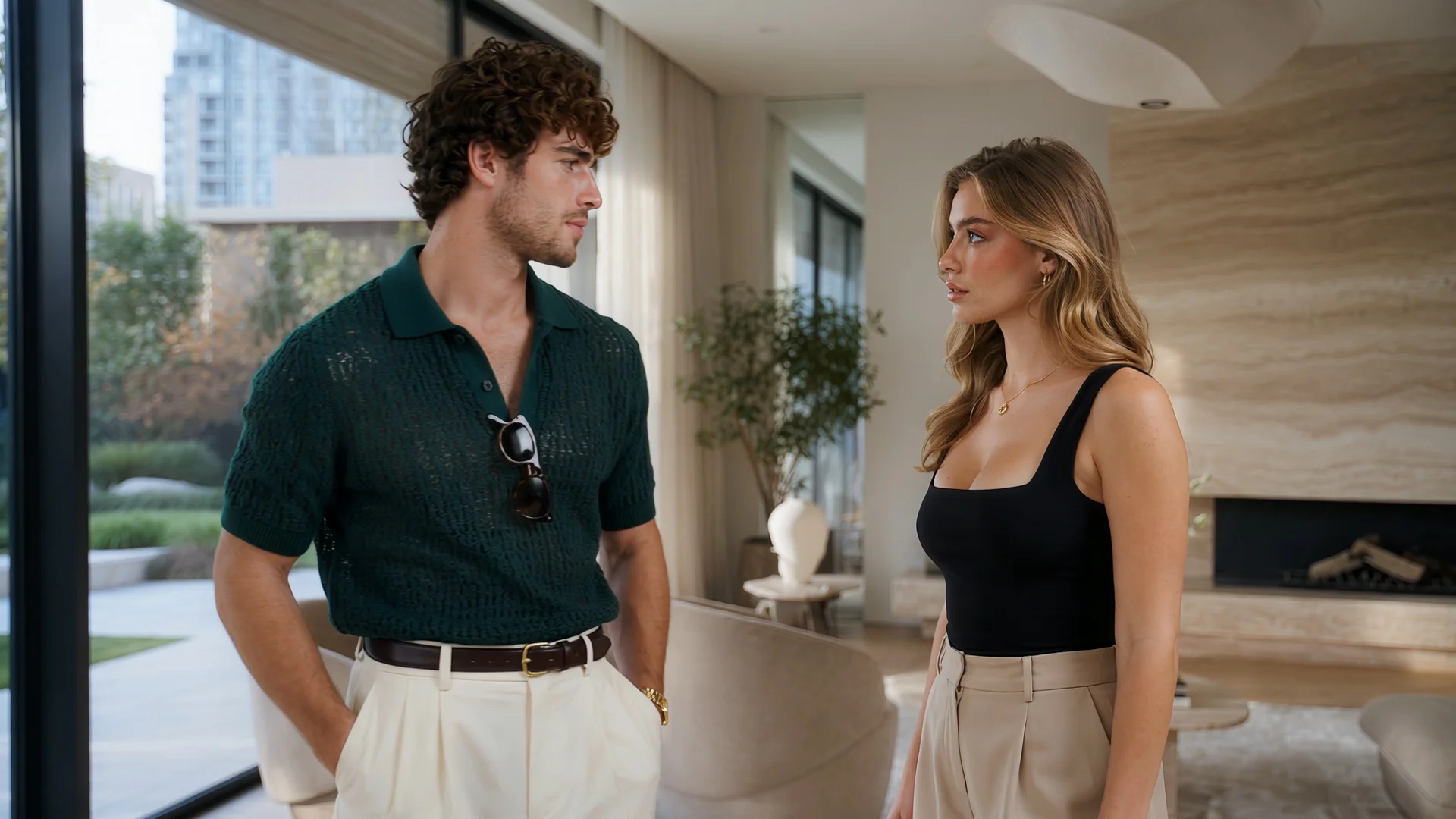
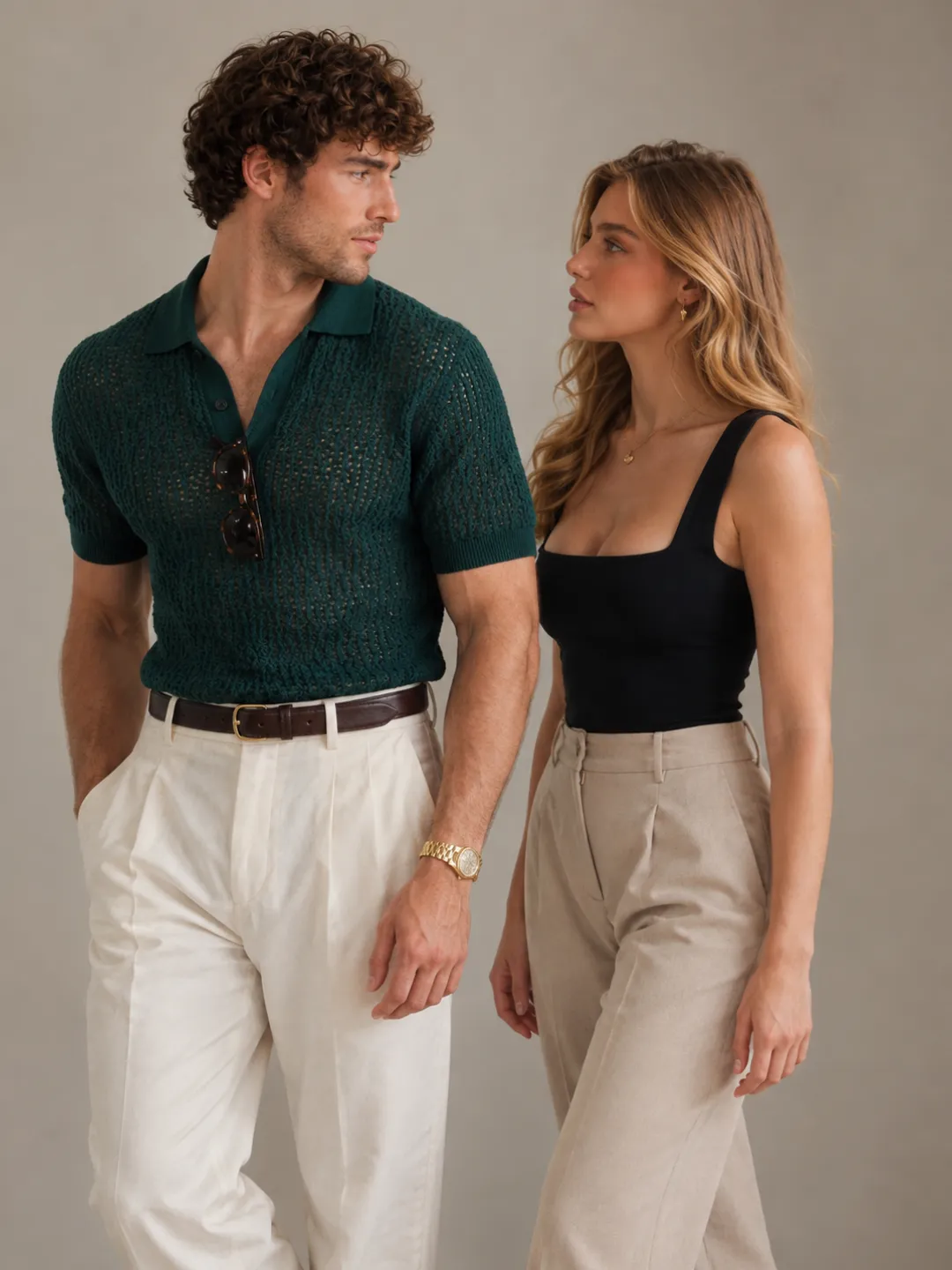
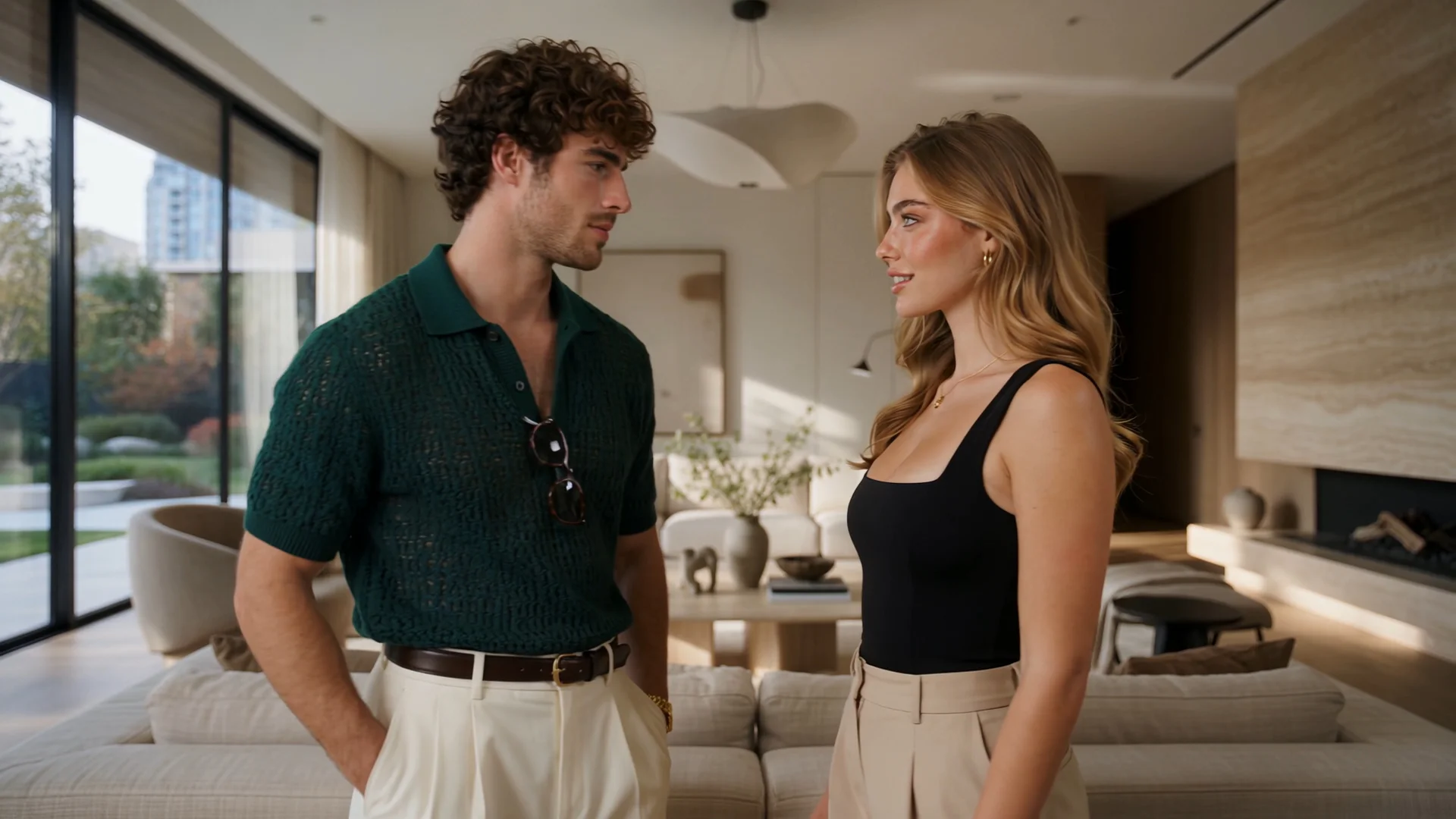
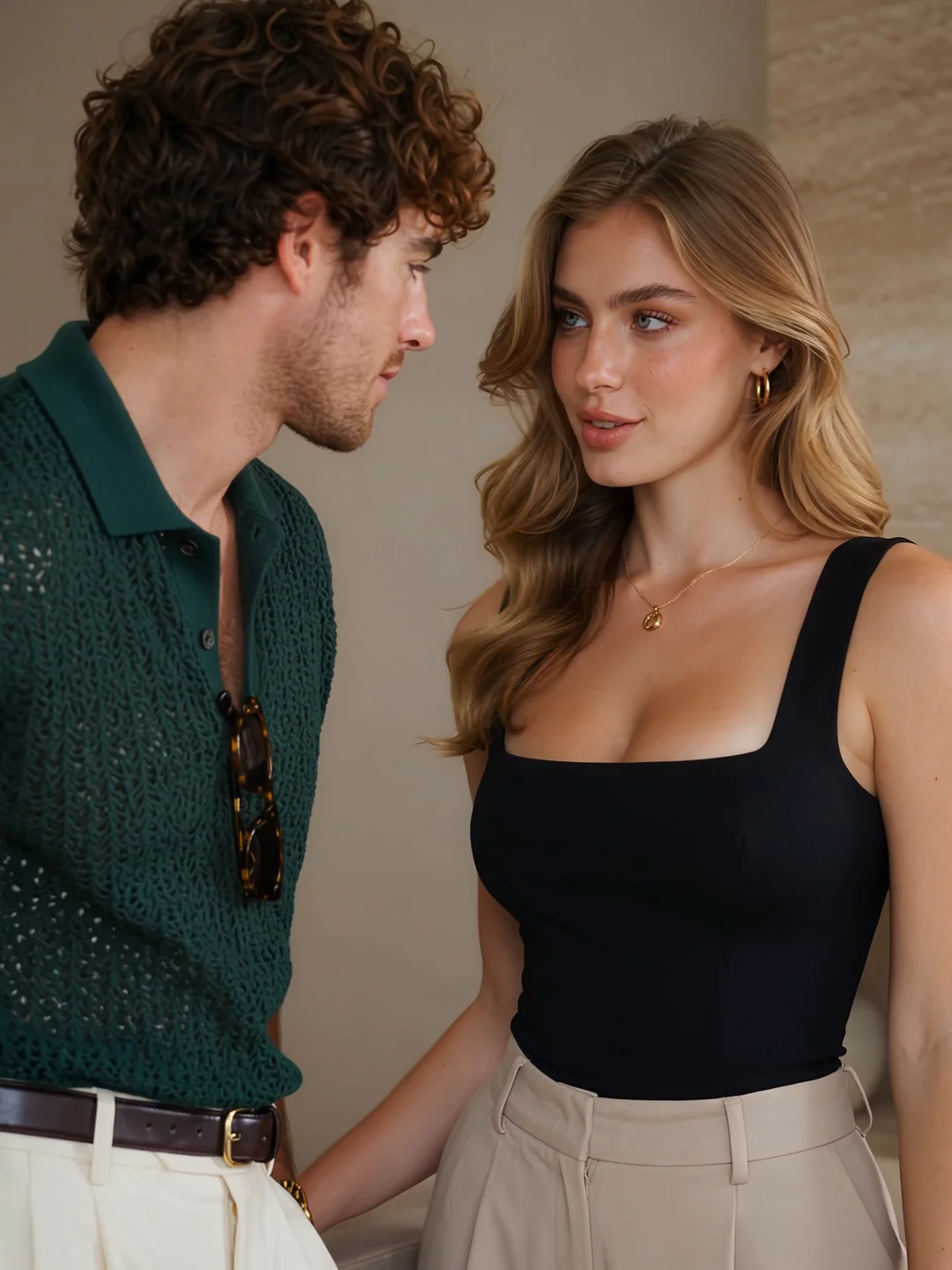
Two Partners, One Intimate Scene
A convincing AI couple animation is not defined by how closely two people stand. The scene works when each movement creates a readable response from the other person.
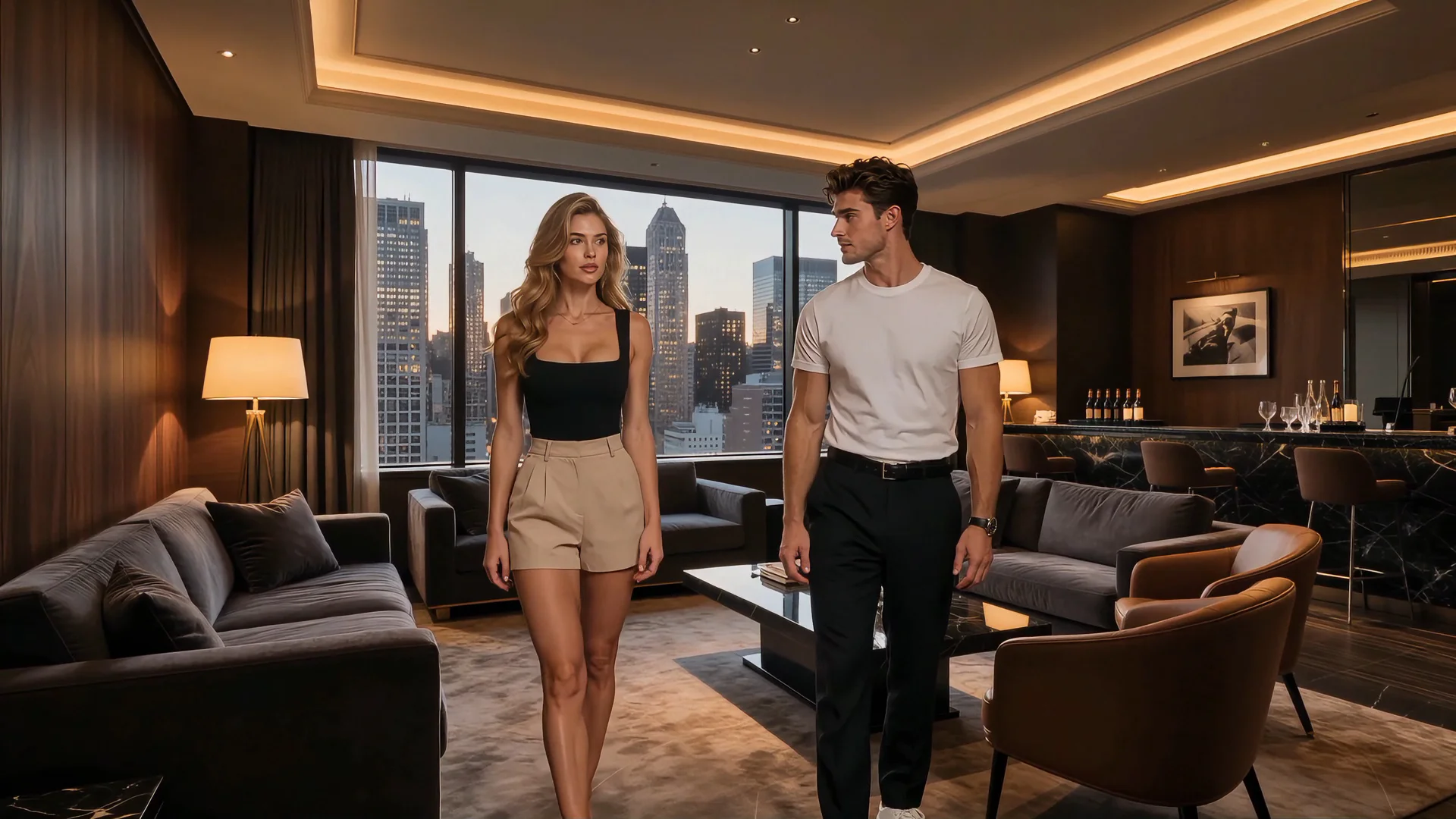
Attraction Begins
Partner A notices Partner B. Their eye lines connect while the space between them remains visible.
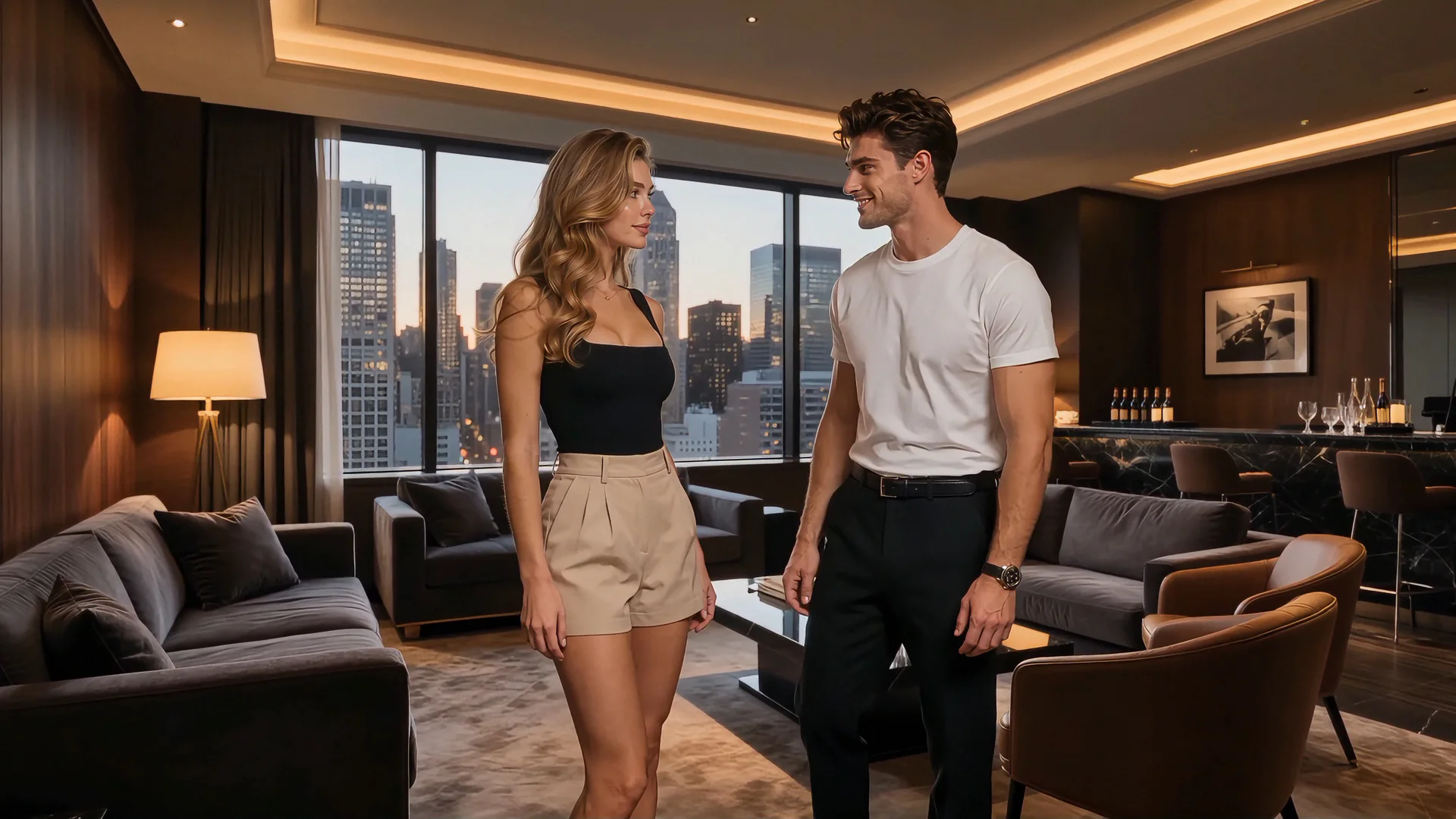
Reaction Becomes Visible
One partner changes expression or body direction in response to the other. The interaction begins to feel mutual rather than staged.
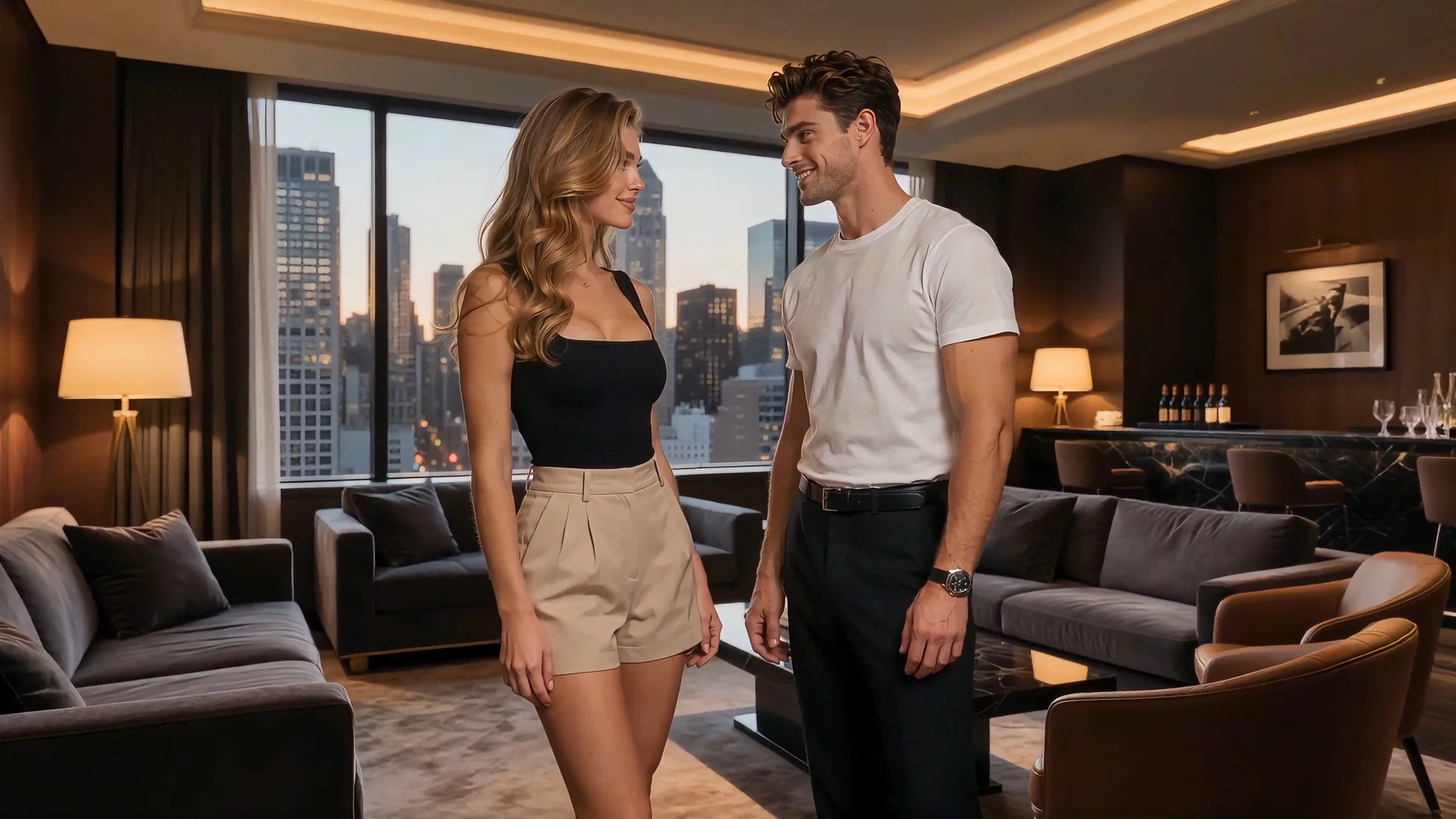
Distance Changes
The camera holds both partners clearly as they move closer. Their positions remain understandable while the atmosphere becomes more intimate.
These moments can form one short progression or serve as separate starting points. What matters is that the viewer can understand how the relationship changes from one moment to the next.
Choose the Couple Dynamic You Want to Create
Start with the relationship atmosphere you want the scene to express. Each option opens the generator with a more focused Scene Prompt.
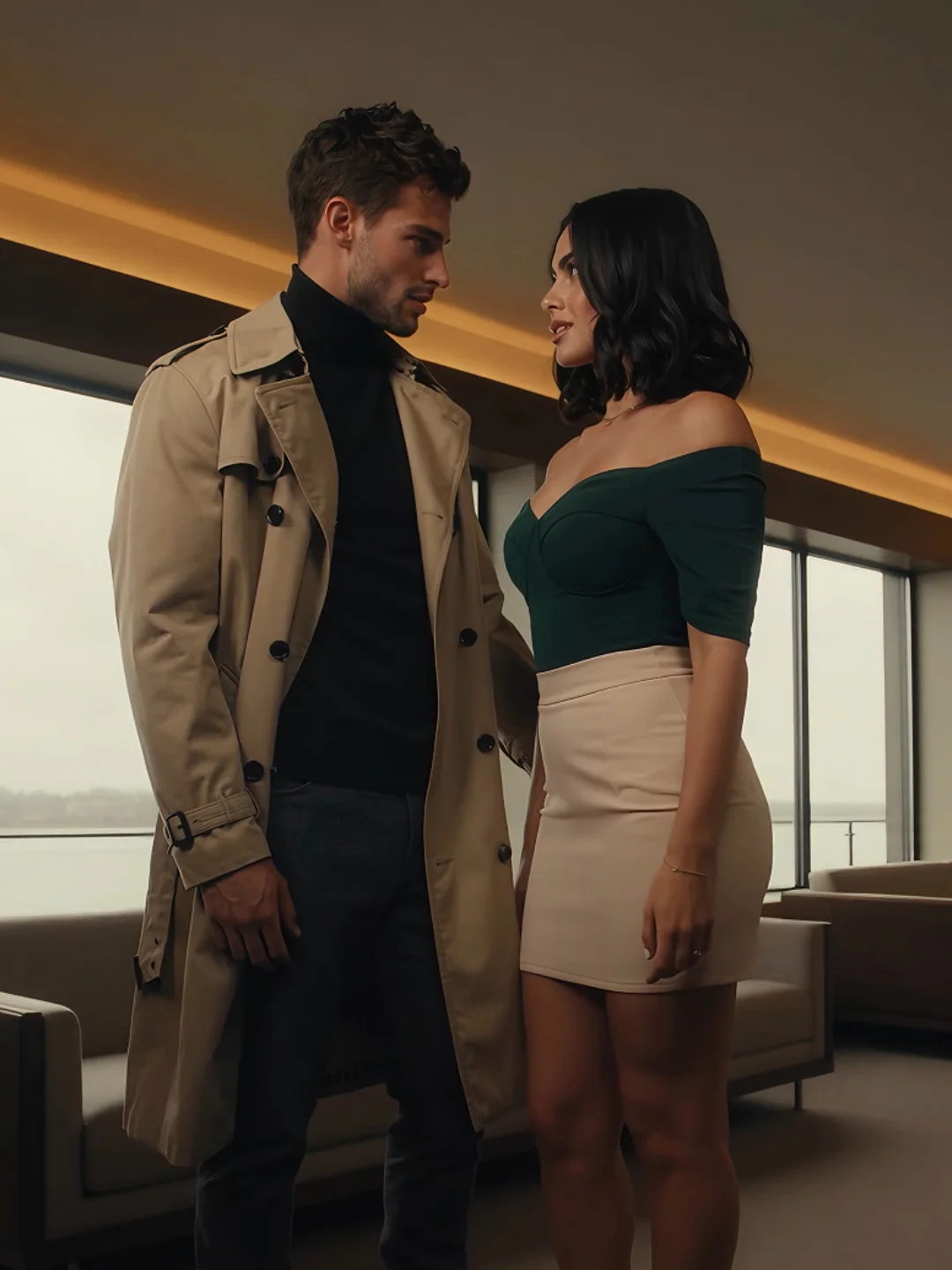
Private Couple Moment
Create a quiet scene built around close distance, restrained movement, and attention shared between two partners.
Create a Private Moment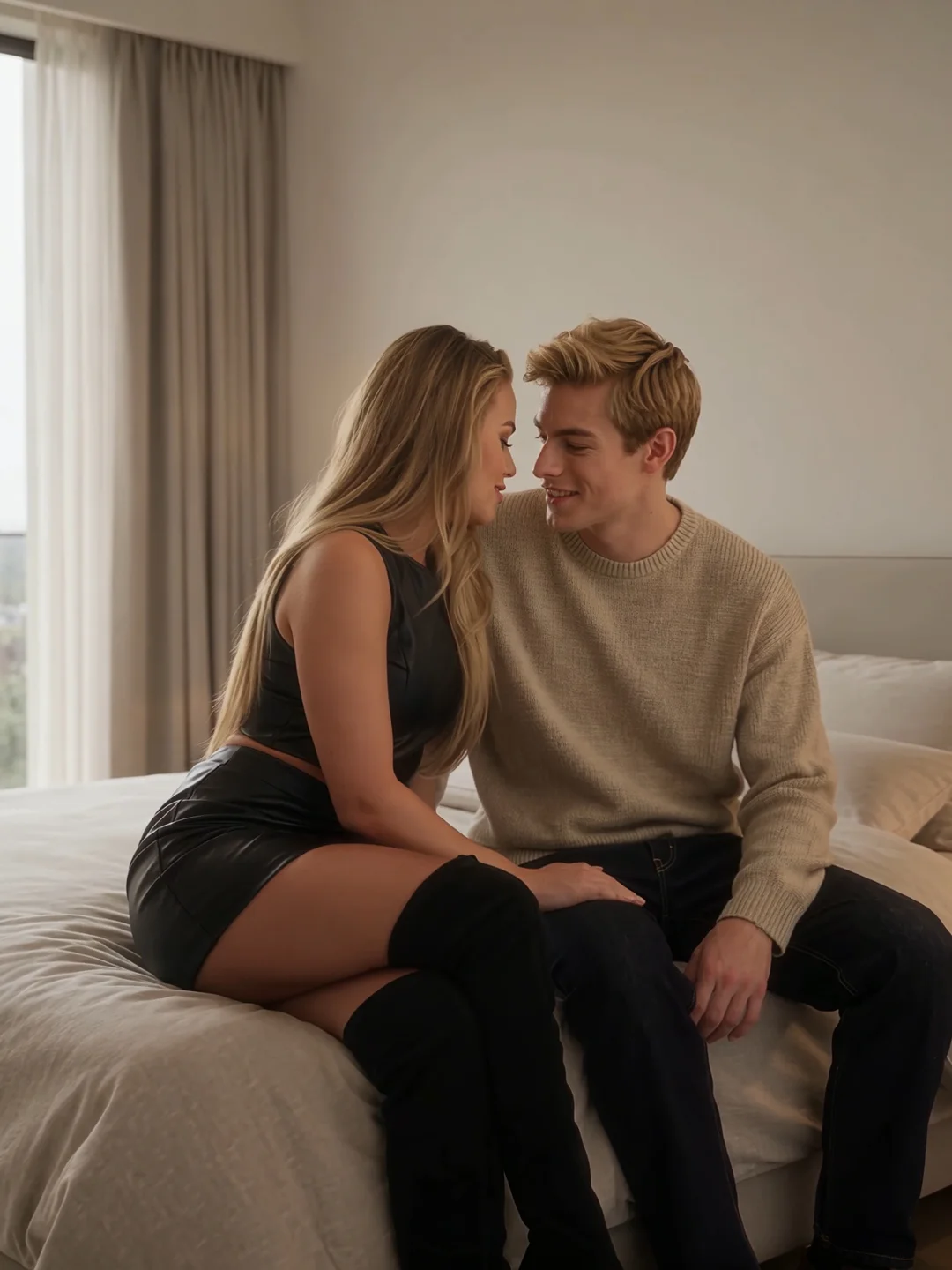
Flirty Encounter
Use playful eye contact, changing expressions, and gradual movement to develop visible attraction.
Create a Flirty Scene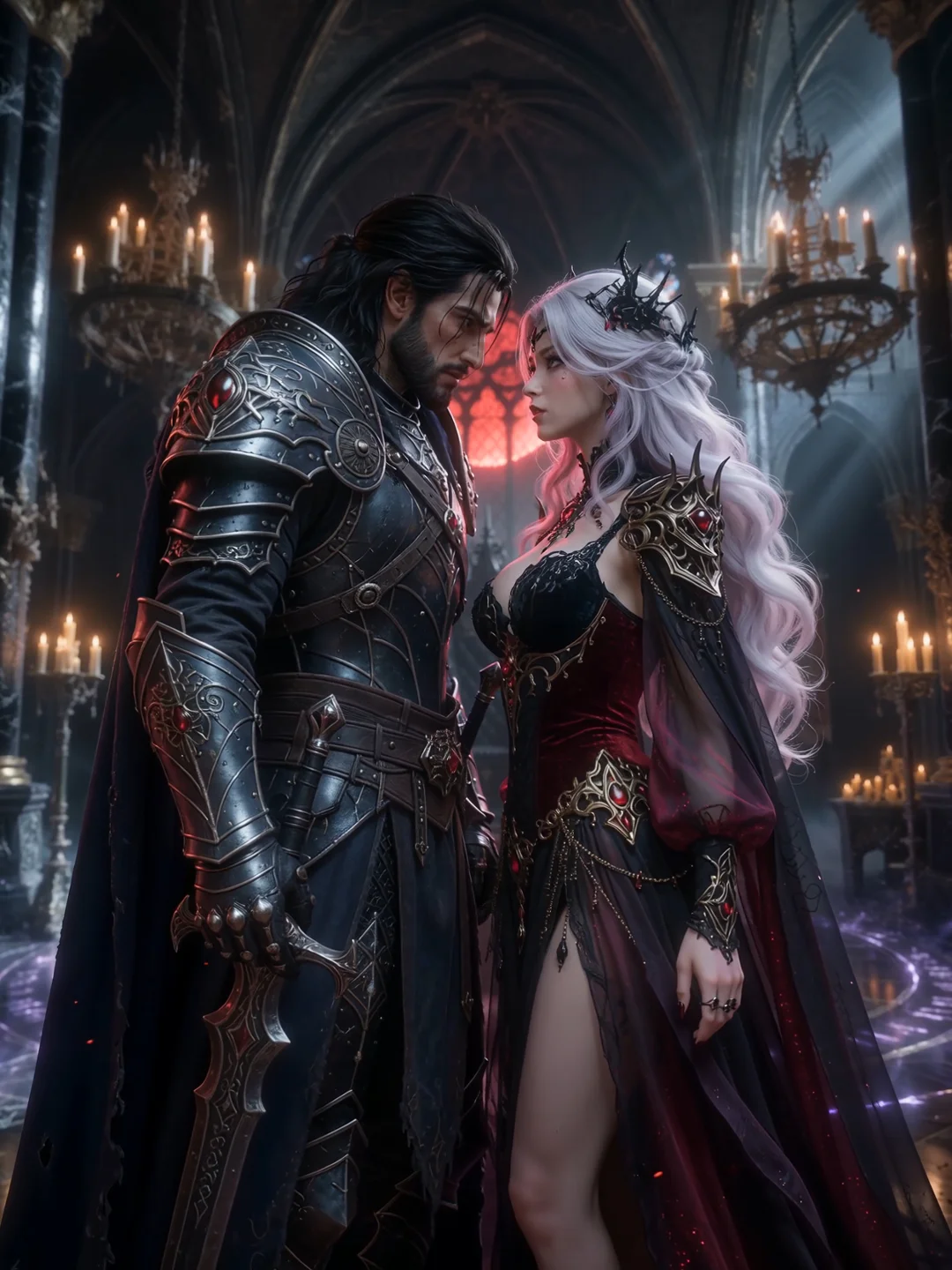
Fantasy Roleplay Pair
Place two partners inside a stylized setting with clearly assigned roles, visual direction, and a shared fantasy atmosphere.
Create a Fantasy Pairing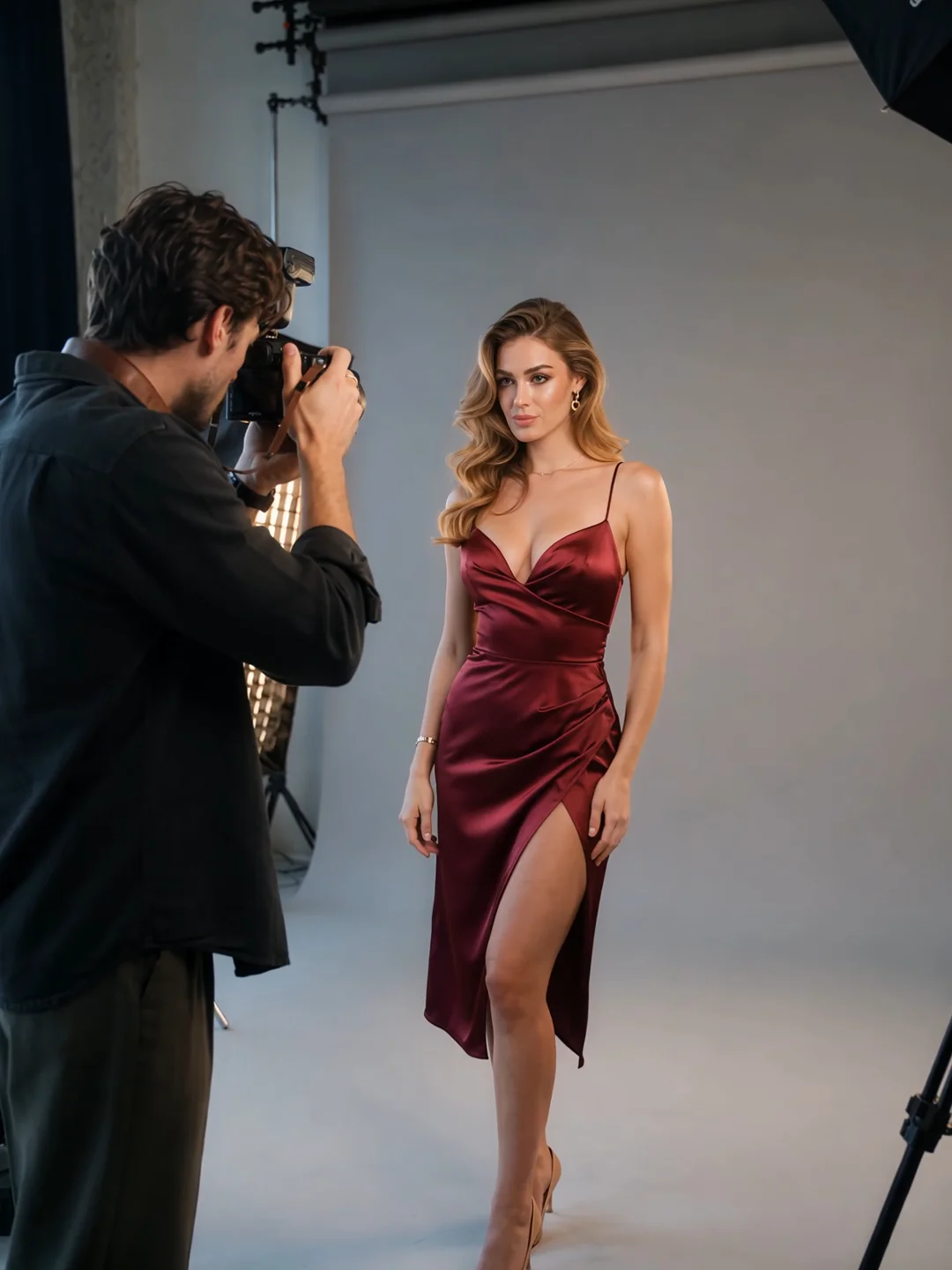
Intimate Creator Scene
Build a mature creator clip around a specific pose, camera distance, reaction, or private setting.
Create an Intimate ClipLooking for a scene centered specifically on a kiss?
Create an AI Kissing Video →Direct the Chemistry, Not Just the Action
A prompt that only describes appearance tells the generator who is present. It does not explain what should happen between them.
For a more intentional NSFW couple video, define four parts of the interaction:
Initiation
State who begins the interaction. Partner A might step closer, turn toward Partner B, or establish eye contact.
Reaction
Describe how Partner B responds. A pause, expression change, held gaze, or shift in body direction makes the interaction feel connected rather than one-sided.
Proximity
Explain how the distance between them develops. They might remain apart, move closer gradually, or pause at a more intimate distance. Avoid combining several major position changes in one short scene.
Camera Focus
Tell the camera which relationship moment matters. A wider two-shot keeps both body positions clear, while a closer frame emphasizes expressions, attraction, and tension.
Keep Both Partners Distinct
Two-person generation becomes harder when the references or directions do not make it clear which details belong to which partner.
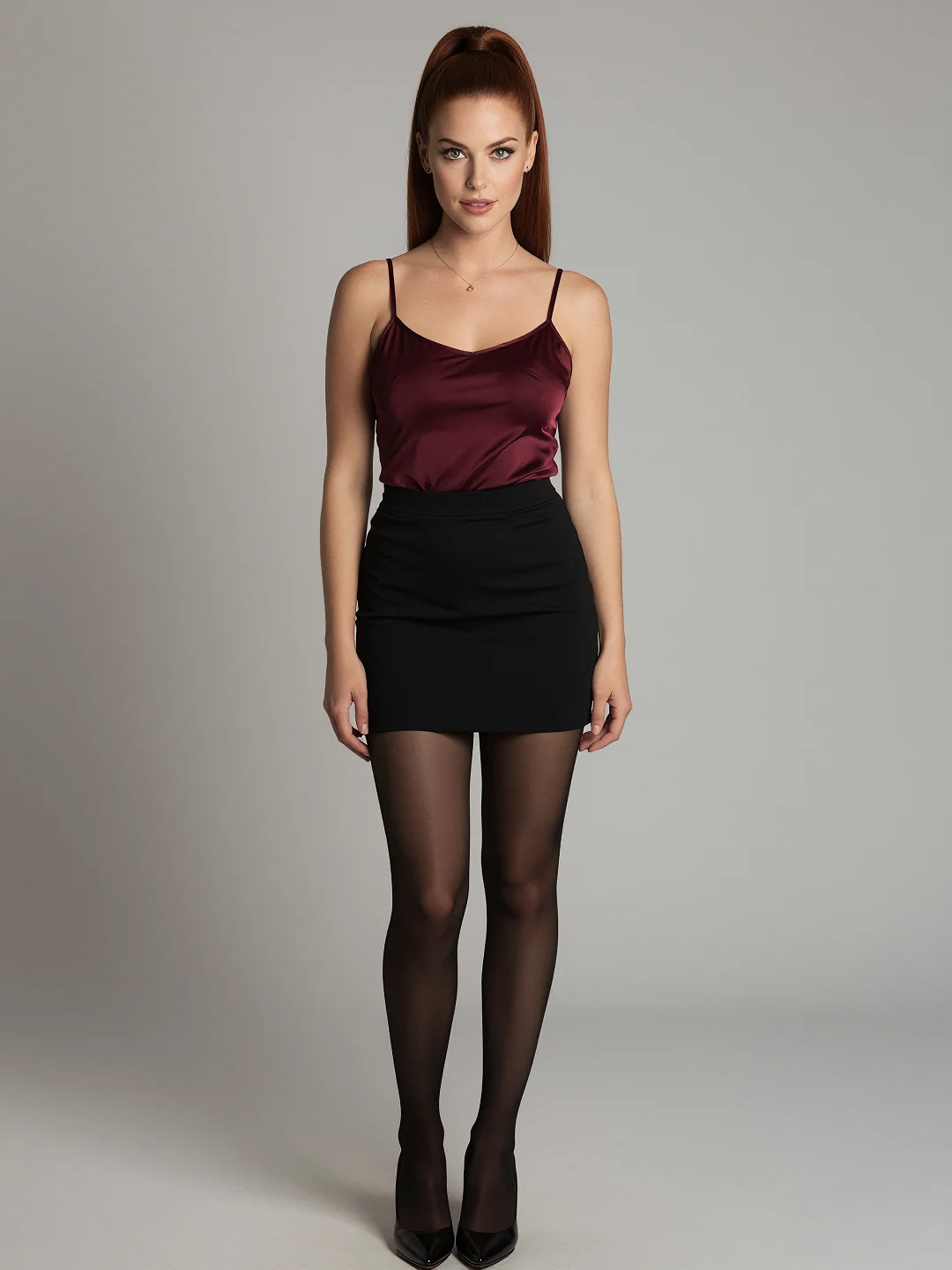
Partner A
Define the first partner’s facial direction, styling, starting position, and primary action. Keep these details grouped together.
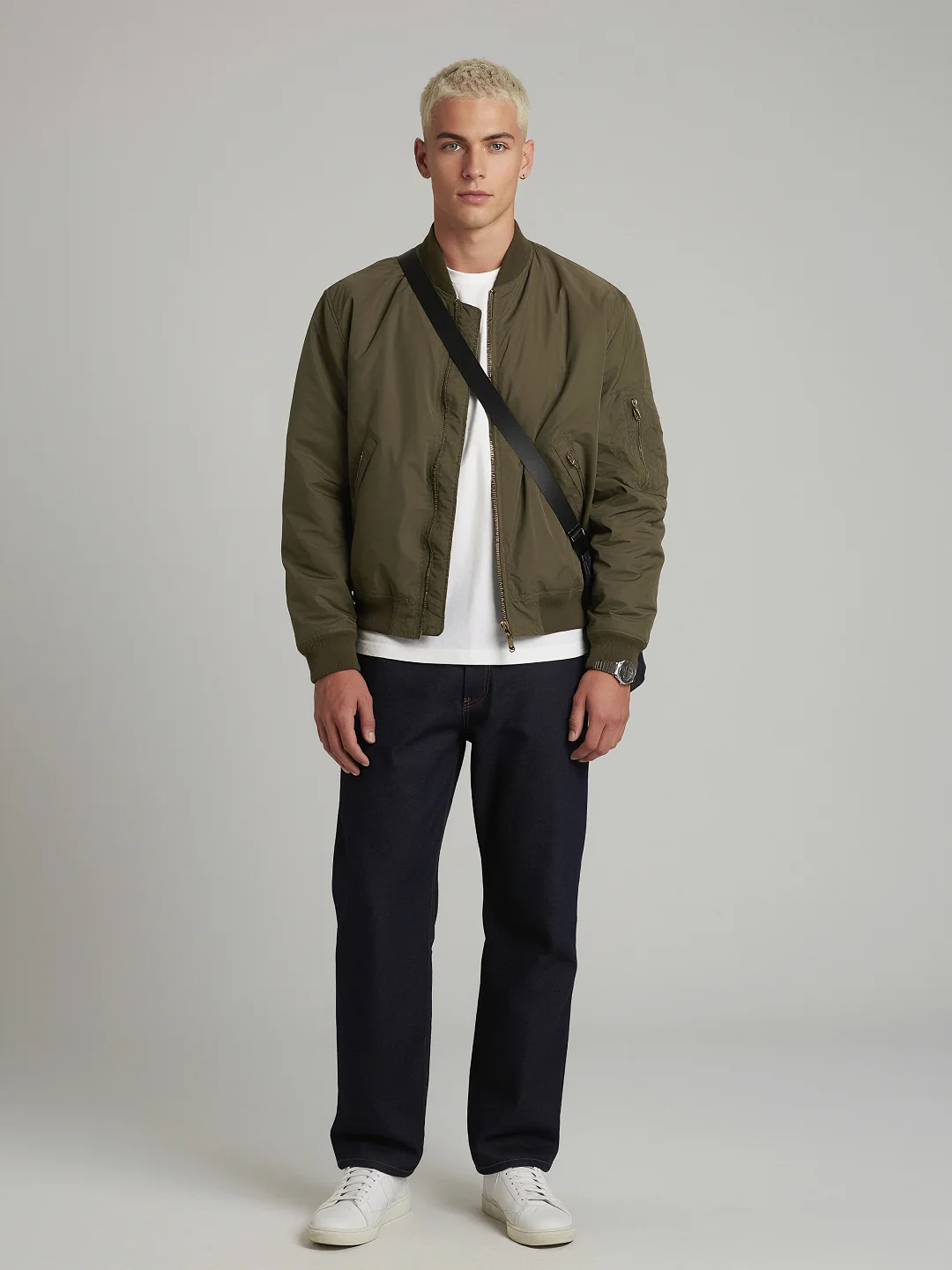
Partner B
Provide a separate visual reference and describe the second partner’s position and response. Avoid switching their attributes midway through the prompt.
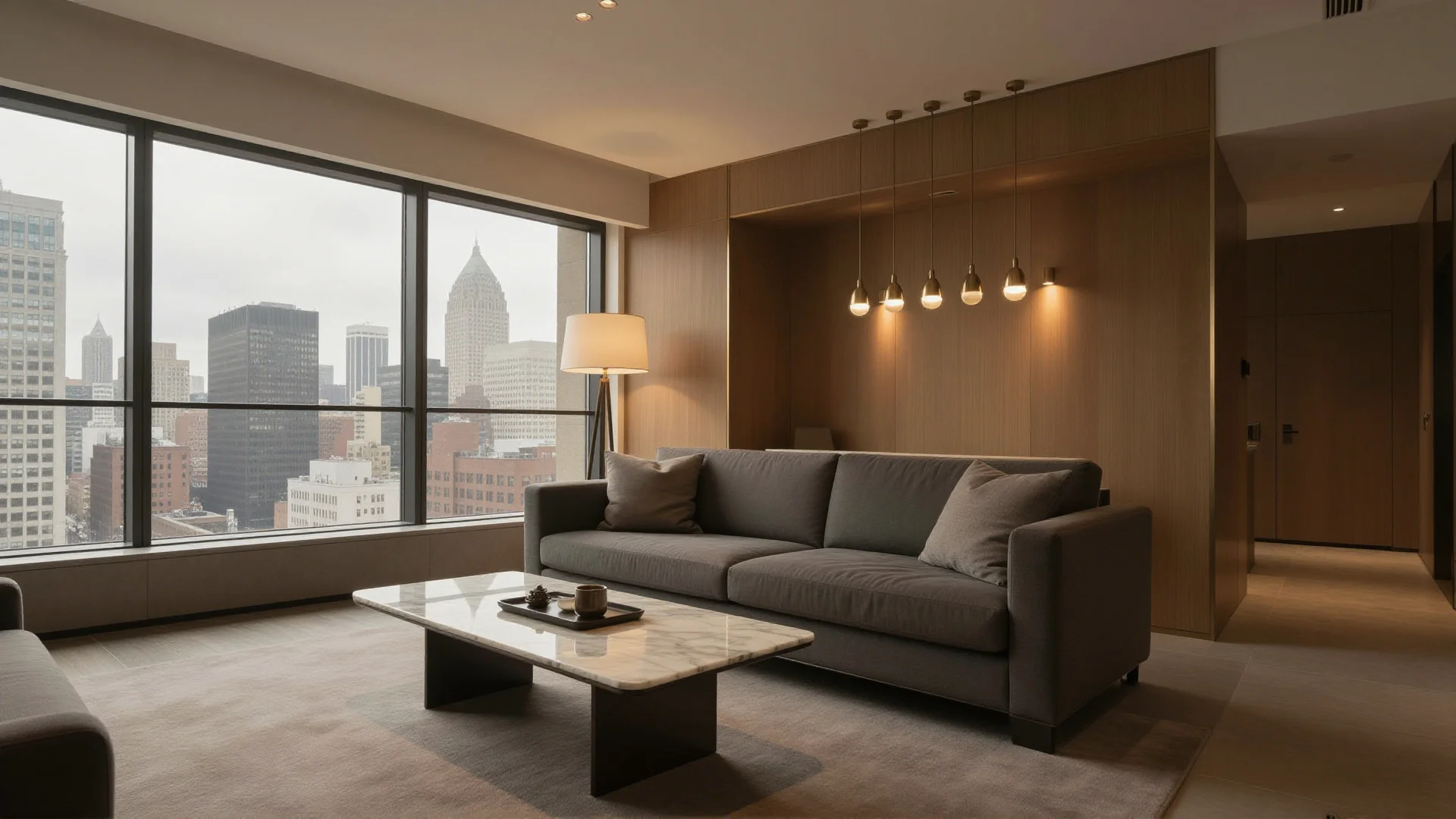
Shared Scene
Use this part for the room, lighting, atmosphere, camera, and relationship between them. Shared Scene information should connect the partners without blending their separate identities.
A simple starting process is enough:
Upload both partners → Describe the interaction → Review identities and positions
If a face, styling detail, or movement shifts unexpectedly, adjust the reference or direction responsible for that element. Changing every input at once makes the cause harder to identify.
Give each partner a clear visual role before directing the shared scene.
Build More Than One Version of the Moment
A strong couple scene rarely depends on one generation. Keep the same pair and central interaction, then explore how timing, camera distance, and reaction change the feeling of the moment.
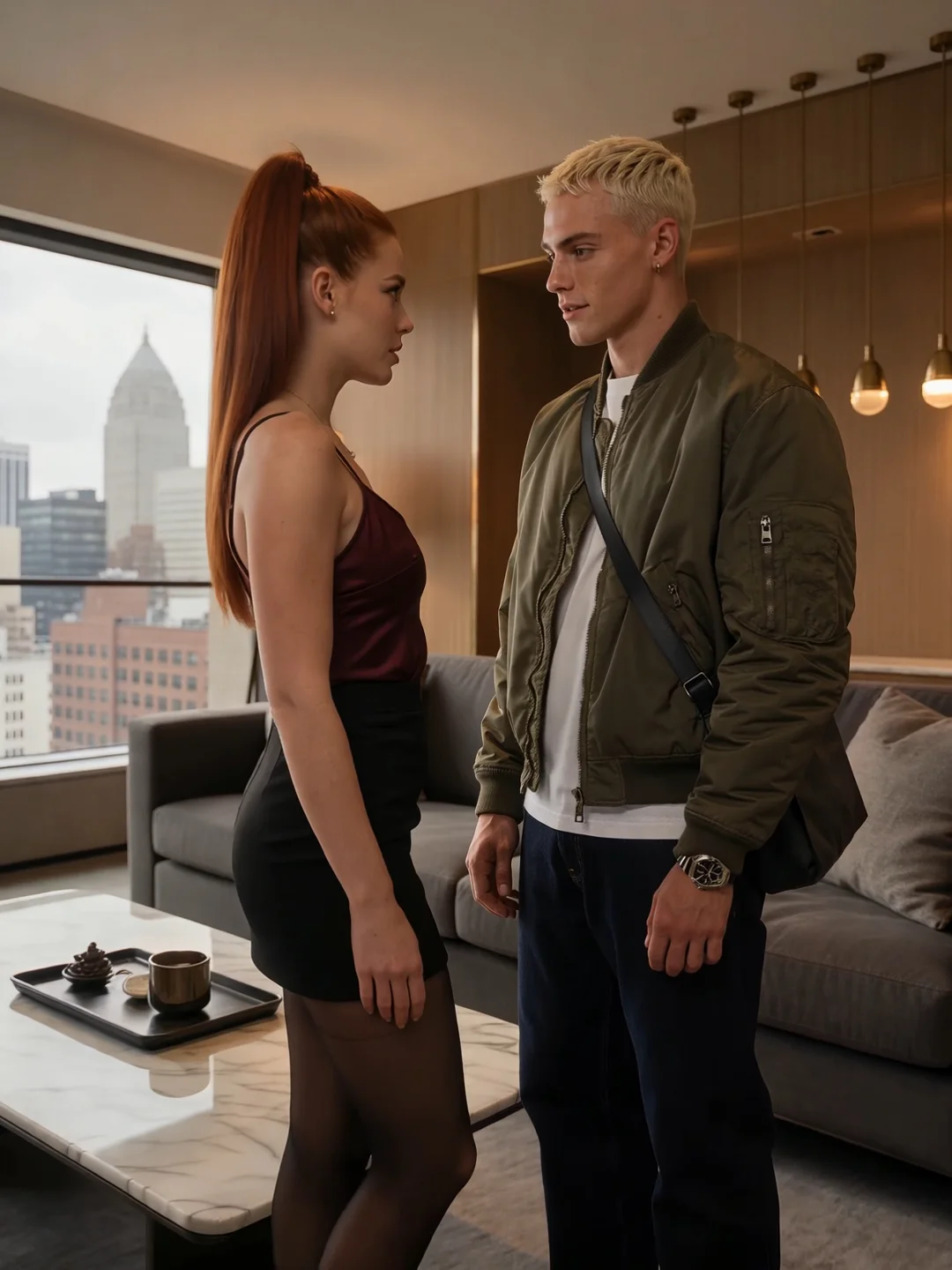
Hold the Pair, Change the Beat
Keep both partners and the setting in place while changing when the approach begins, how long the pause lasts, or when the response becomes visible.
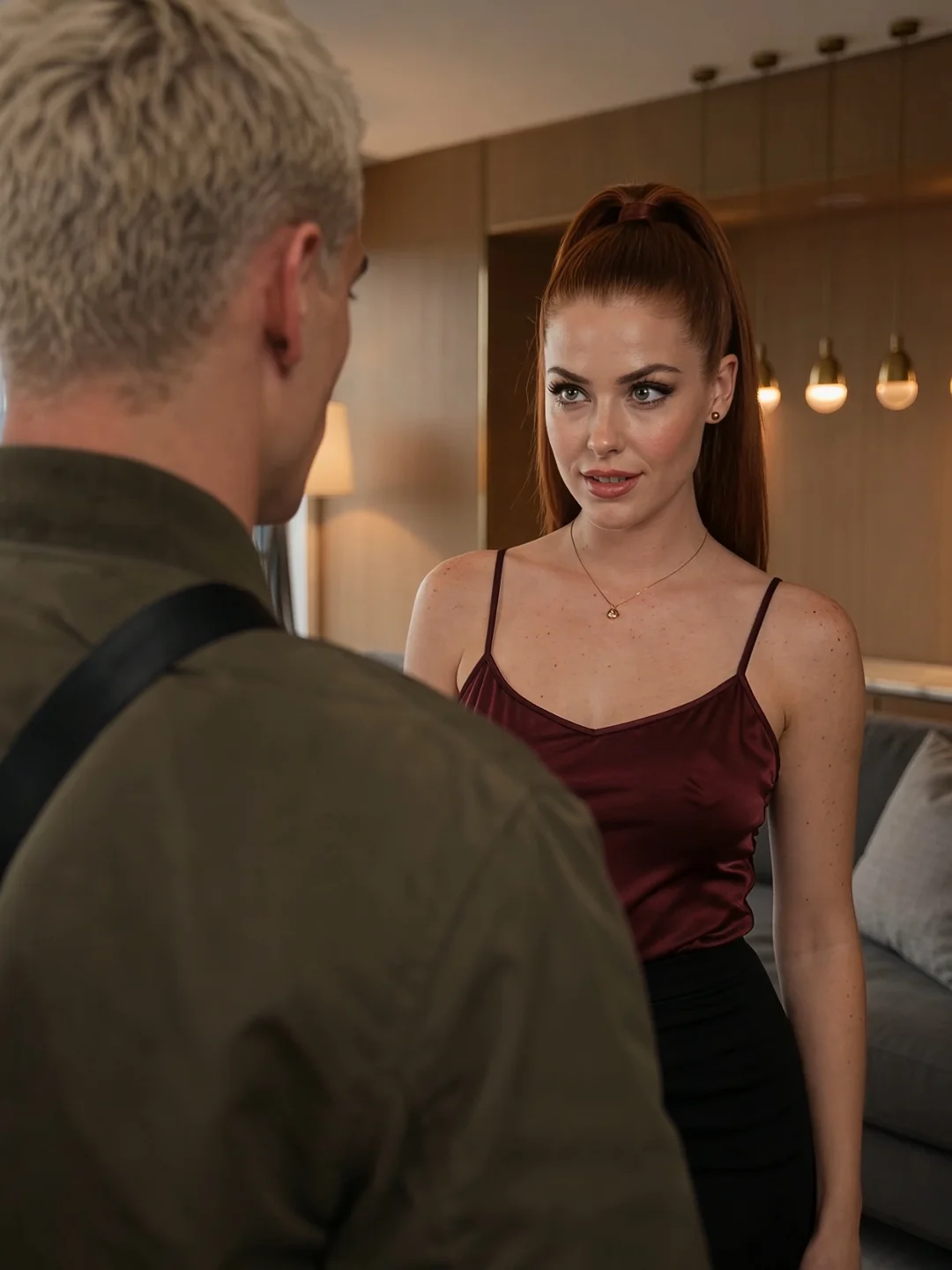
Shift the Point of View
Create one version as a balanced two-shot, another focused on Partner A’s intention, and another centered on Partner B’s reaction.
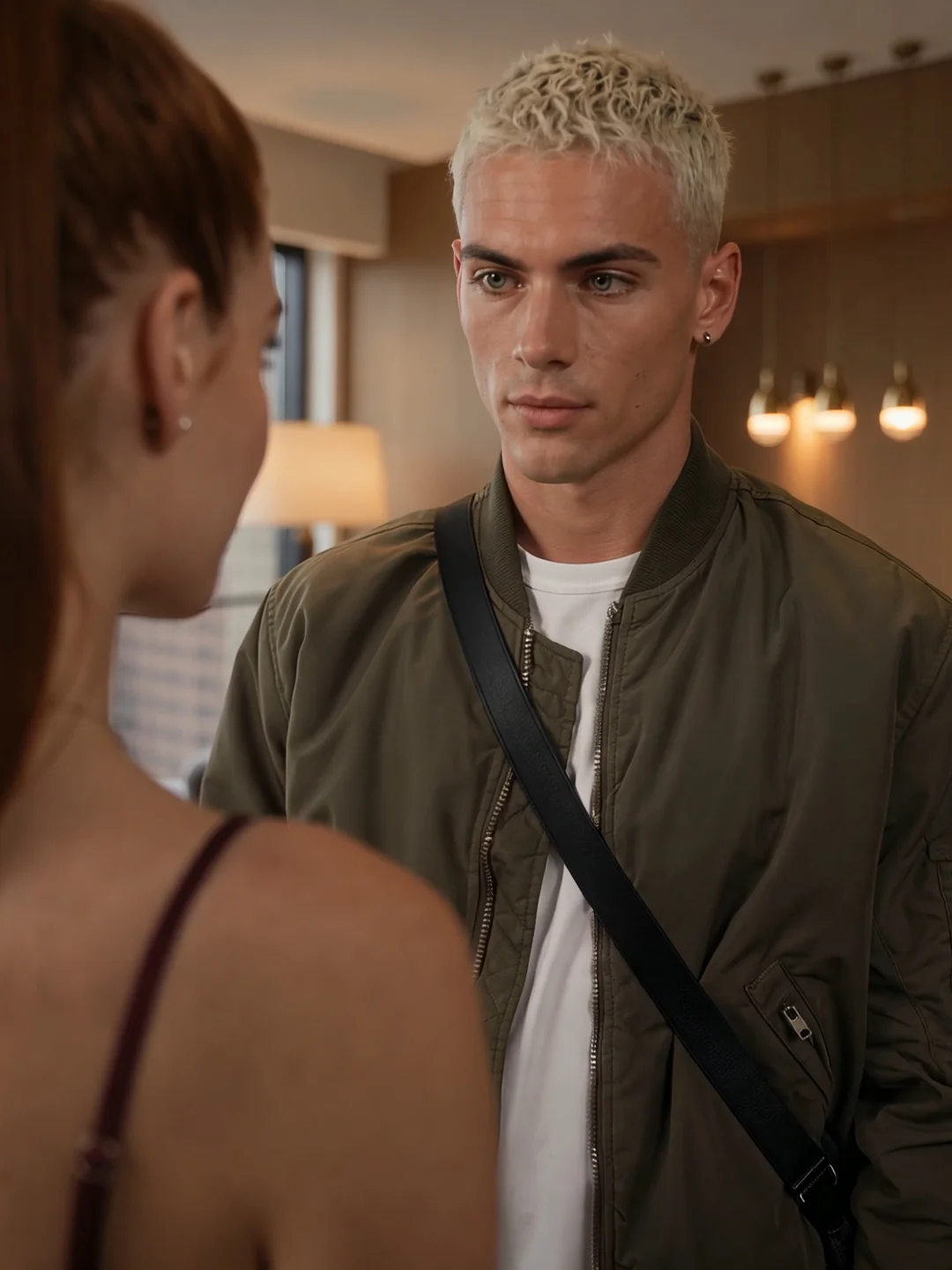
Adjust the Intensity
Change the pace, proximity, eye contact, or body direction without rebuilding the entire couple setup. Small adjustments can make the interaction feel playful, restrained, tense, or more intimate.
Keep the Strongest Take
Compare the variations by asking one practical question: is the relationship immediately understandable? Keep the version where both roles, reactions, and positions remain clearest.
Frequently Asked Questions
Can I upload separate references for both partners?
Yes. Upload one clear reference for Partner A and another for Partner B. Distinct references help establish which appearance and styling details belong to each person.
How do I prevent the two faces from blending?
Use references with clearly different facial features, hairstyles, and styling. Keep each partner’s description separate and avoid adding several conflicting identity images.
How do I tell the model who performs each action?
Name the partner before every important action or reaction. Write “Partner A moves closer” and “Partner B turns and responds” instead of using unclear phrases such as “they move.”
Can I change the clothing or private setting?
Yes. Specify the new styling or environment while keeping the core partner references clear. Change only the elements necessary for the new scene.
Why can identities change when the partners move closer?
Close proximity, overlapping bodies, rapid movement, and changing camera angles give the generation more visual information to resolve at once. Slower movement and clearer positions can improve control.
Can I create an AI kissing video?
A couple scene can include romantic proximity, but a kiss requires more specific facial positioning and motion direction. Use the dedicated AI Kissing Video page for that workflow.
Create Your NSFW Couple Video
Create an NSFW Couple VideoUse only fictional, self-represented, or authorized 18+ reference materials.