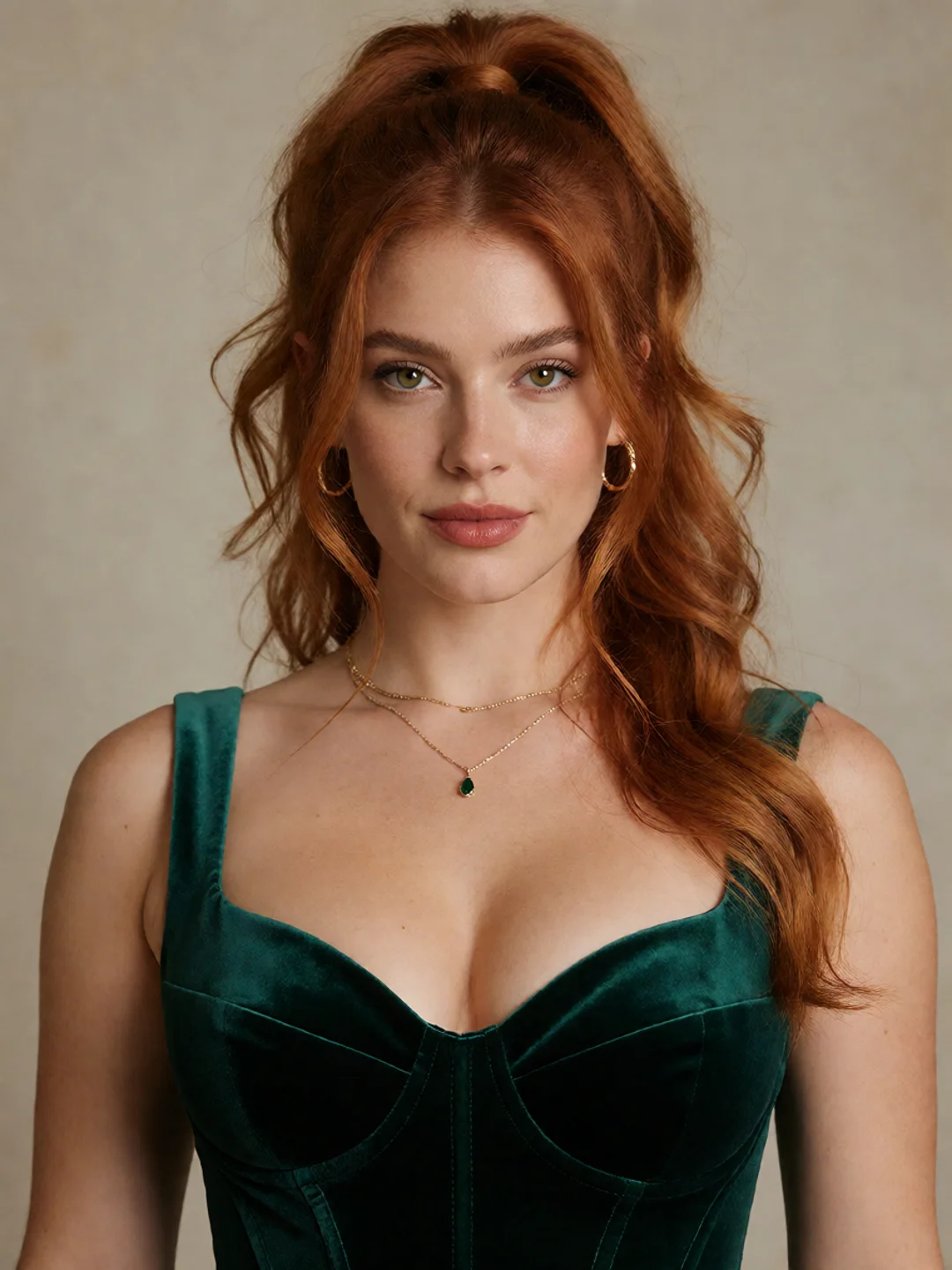
Character reference
NSFWSEEDANCE CHARACTER VIDEO WORKFLOW
Turn a character image into new scenes without rebuilding the identity from the beginning. With the NSFW AI Character Video Generator, you can preserve a recognizable appearance while changing the action, body movement, camera distance, setting, and atmosphere.
Start with an image you already like. Direct a close performance, a full-body sequence, or an entirely new scene while using the original character as the visual anchor.
Browser-based generation. Free credits are available after registration, with no payment method required to begin.
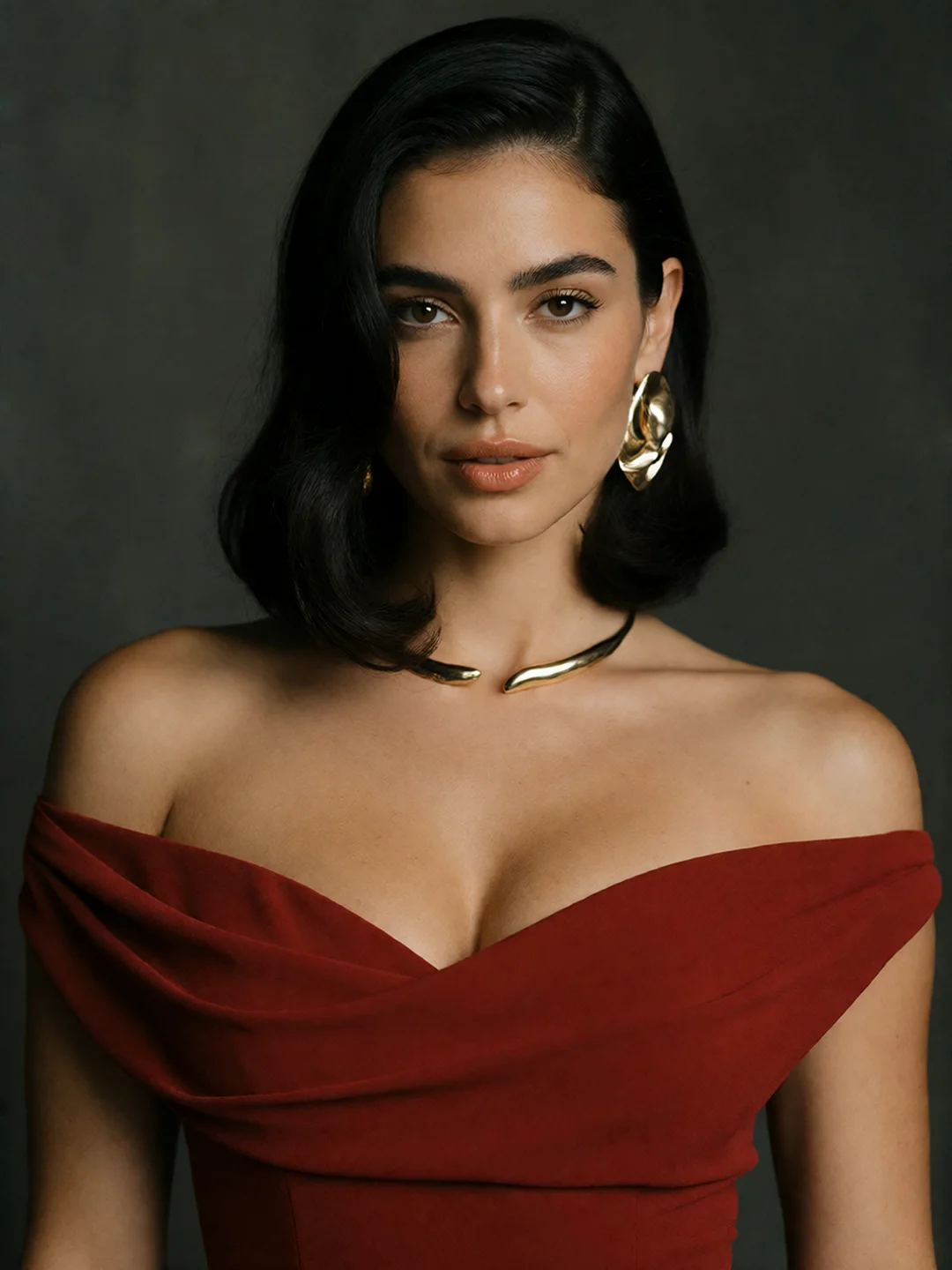
Add your character image or reference materials
Character image or reference materials
A useful AI character video generator should do more than add movement to a still image. It should let the same visual identity support different performances and scene ideas.
Use one source character to create three distinct directions:
Character reference
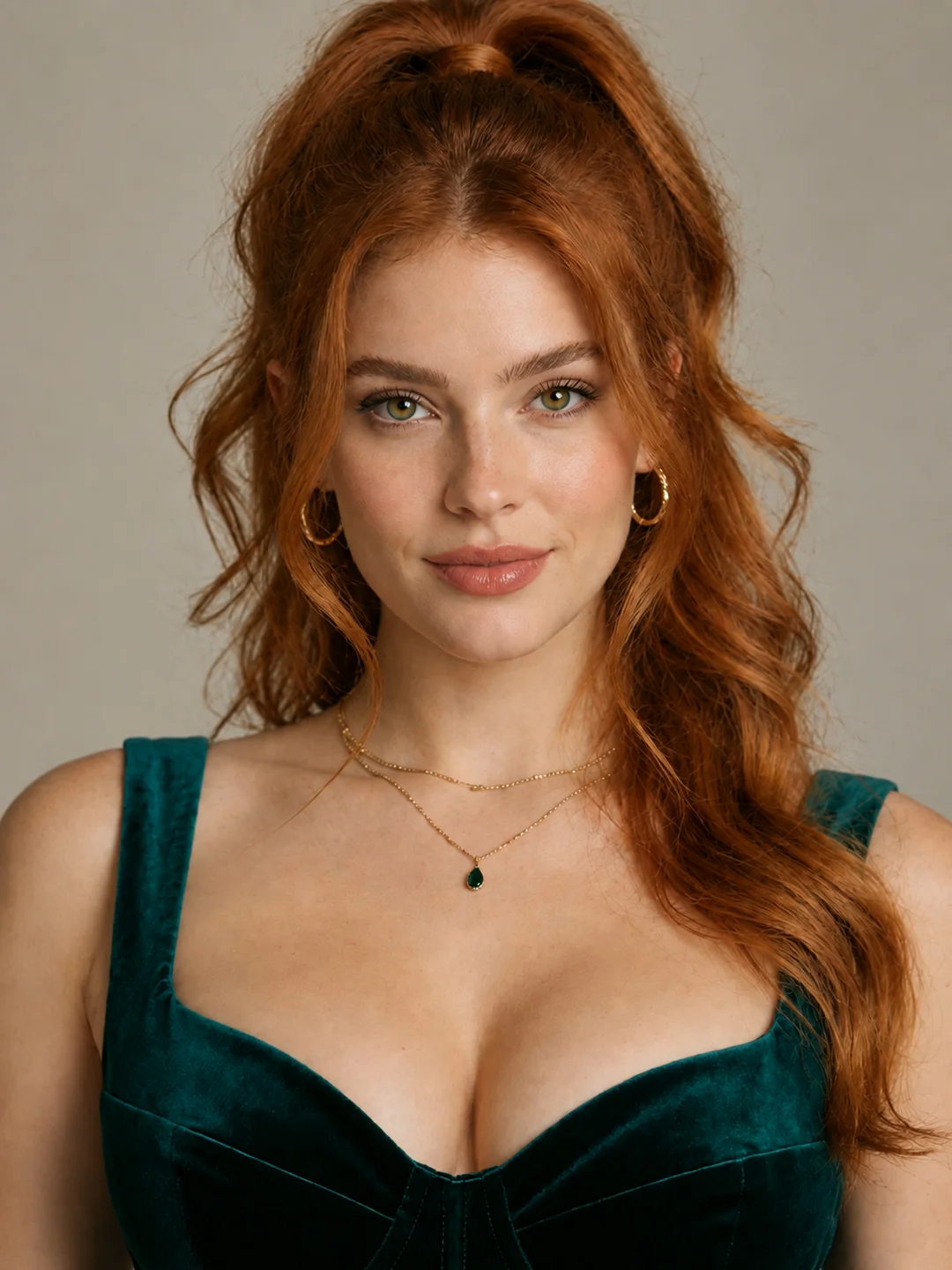
Move closer to the face and direct a change in expression, eye line, head position, or emotional tone.
What changed: Expression, camera distance, and performance intensity.
What the workflow aims to preserve: Facial structure, hair, defining features, and core styling.
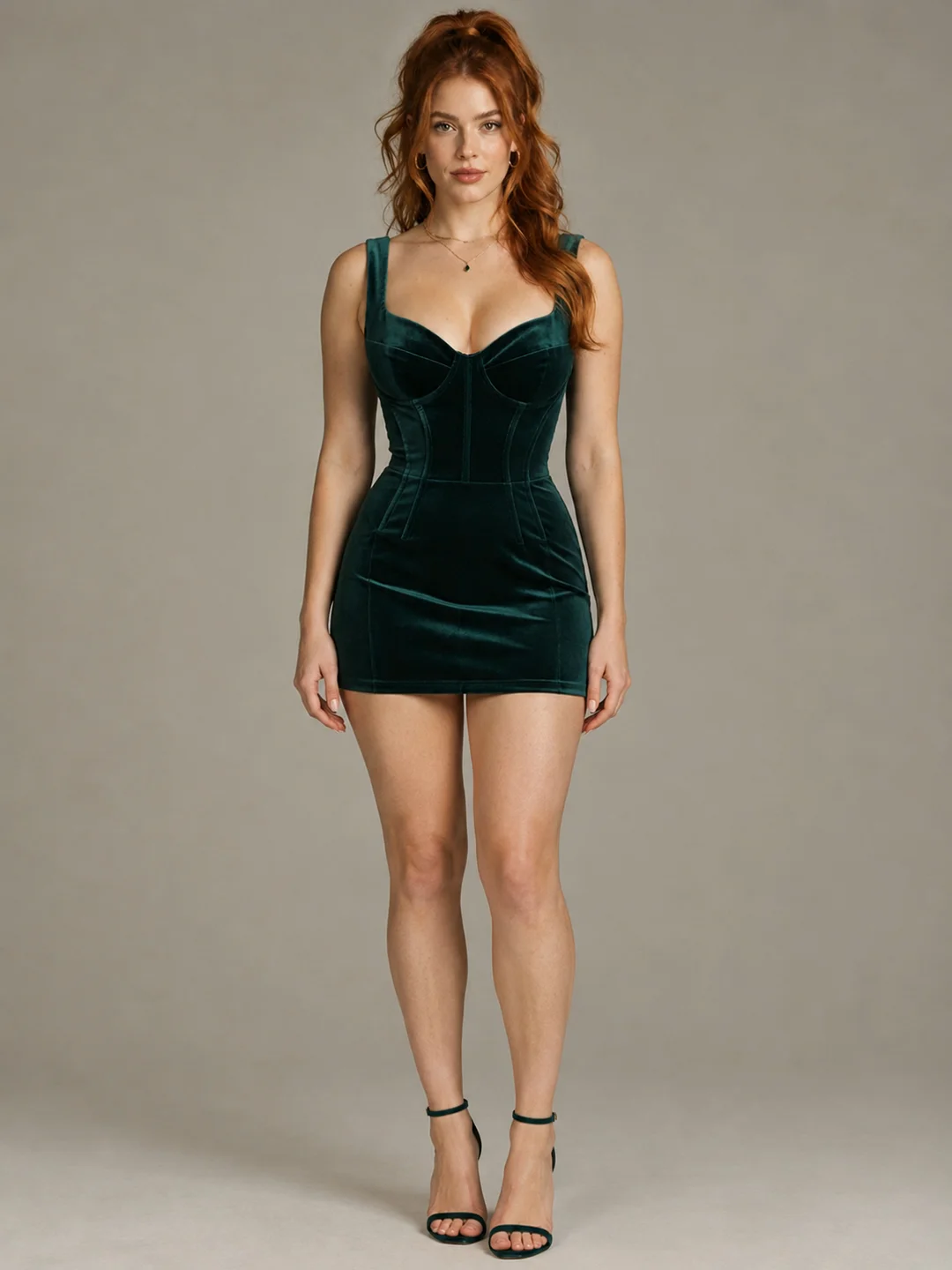
Pull the camera back and introduce a pose change, walk, turn, seated movement, or more active physical performance.
What changed: Body position, movement, framing, and camera behavior.
What the workflow aims to preserve: Character identity, body proportions, clothing details, and overall visual language.
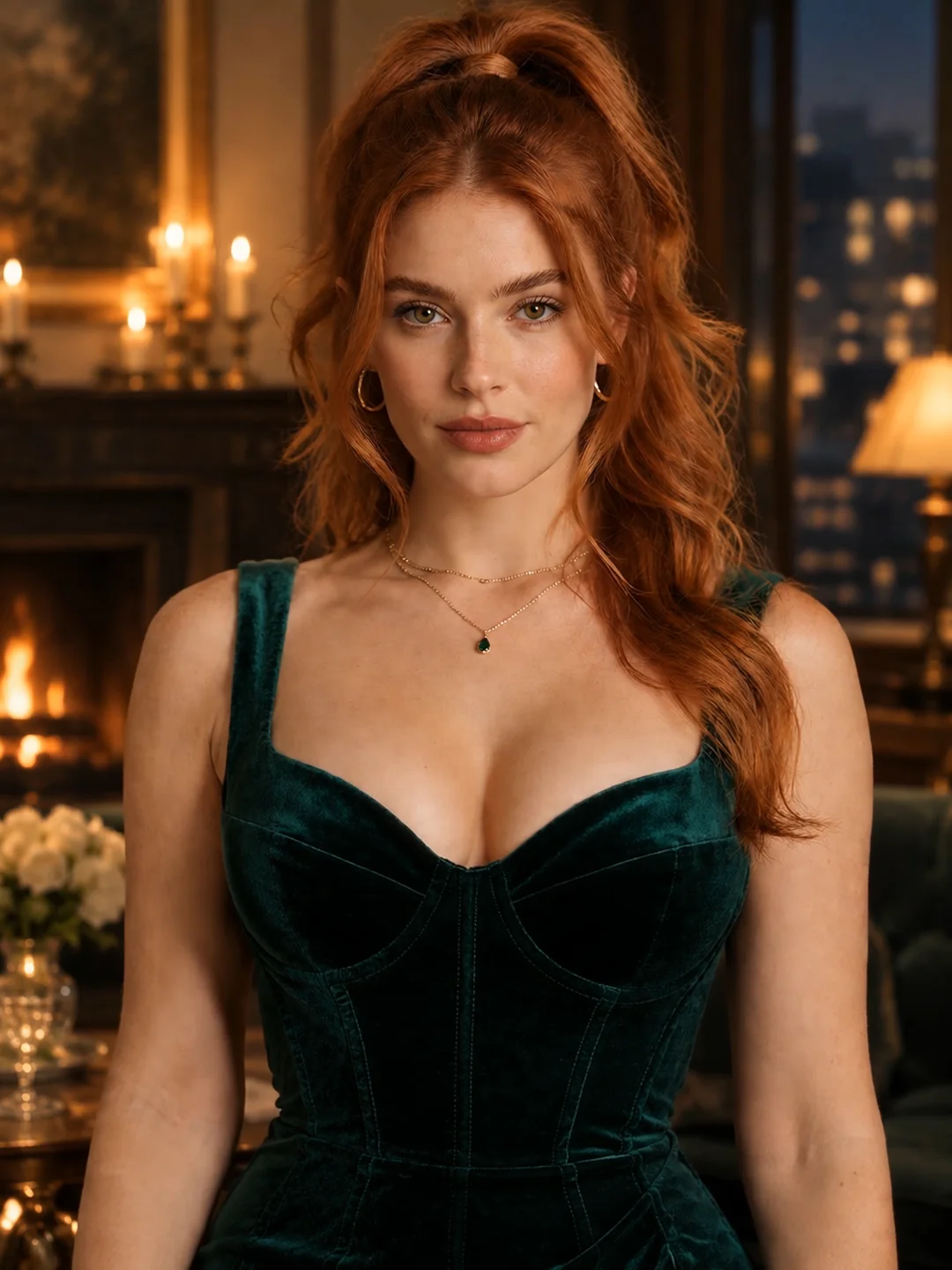
Move the character into a different interior, exterior, lighting setup, or cinematic environment.
What changed: Setting, composition, lighting, and atmosphere.
What the workflow aims to preserve: The recognizable character and the styling details that define them.
Together, these examples show the practical value of a same character AI video workflow: the scene can develop without making every clip feel as though it belongs to someone new.
Consistent character generation begins with references that have clear responsibilities.
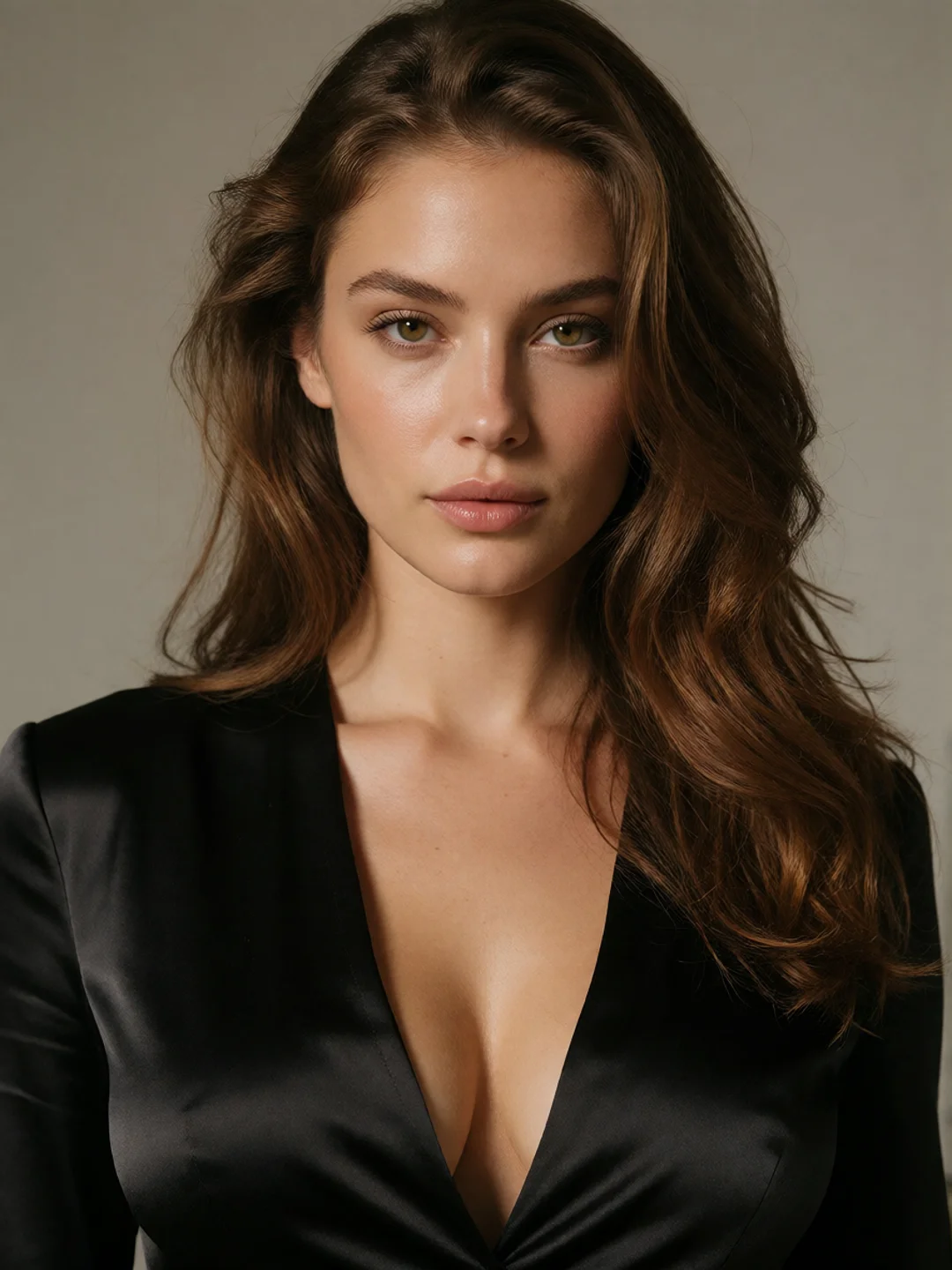
A strong primary portrait should show the face without heavy obstruction or extreme perspective. This becomes the main identity reference.
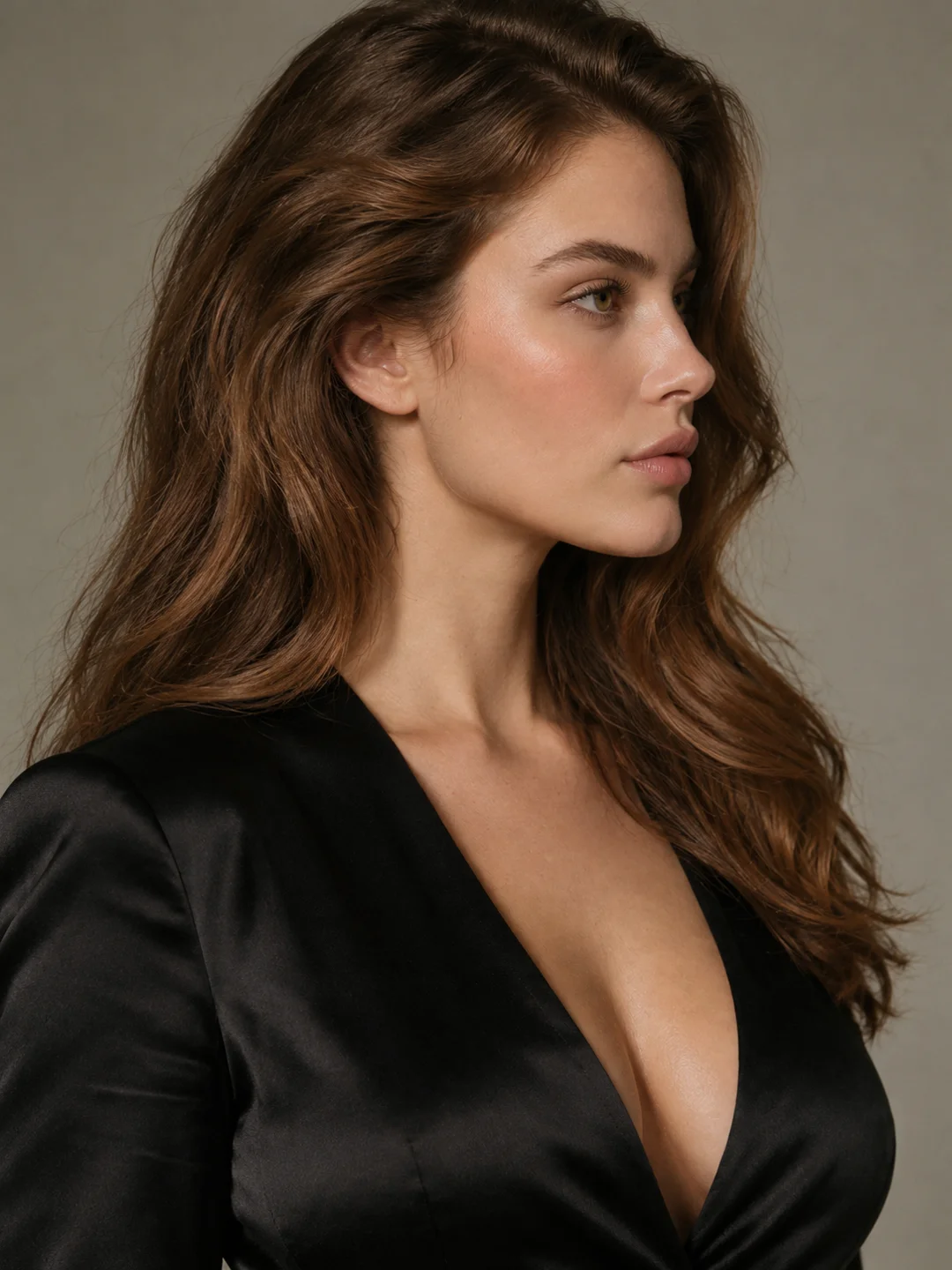
An alternate angle can explain facial structure that the portrait does not reveal. It is especially useful when the scene involves a profile, head turn, or changing camera position.
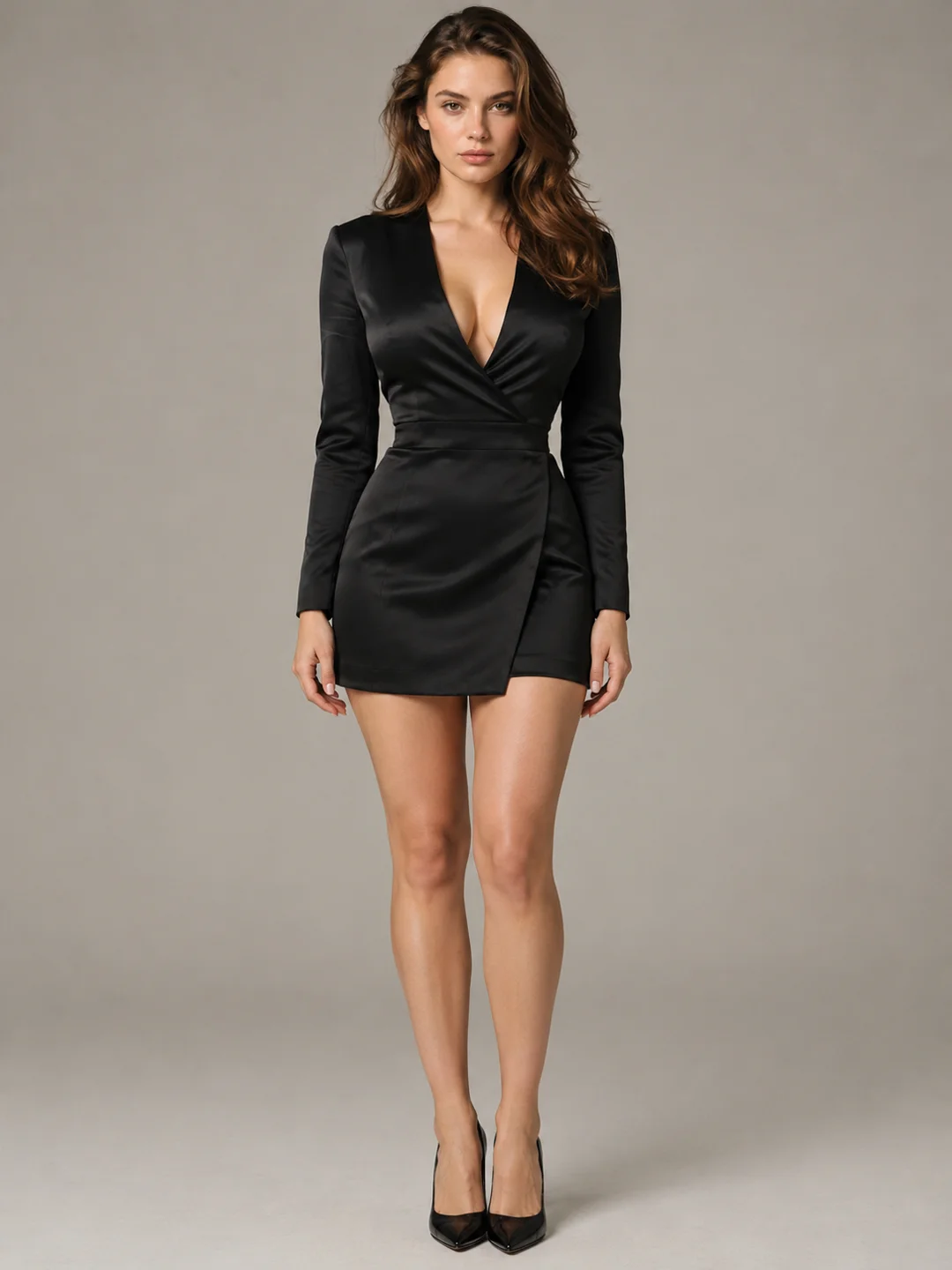
A full-body reference establishes proportions, silhouette, clothing structure, and other details that a portrait cannot provide. Use it when body movement or wider framing matters to the result.
A core styling reference can define a recurring hairstyle, color palette, accessory, or visual treatment. It should reinforce the character rather than introduce a competing appearance.
Avoid adding several similar images simply because more references are available. Near-duplicate images add little information, while contradictory faces, proportions, clothing, or visual styles can make the intended identity less clear.
The practical rule is simple:
Every additional reference should explain something the current set cannot.
Once the reference set is clear, describe what should happen next instead of rewriting every visible detail already contained in the images.
Start with a Character ReferenceChoose NSFW Image to Video when the uploaded image already contains the right character, composition, environment, and starting pose.
The image establishes the opening frame. Your direction explains how the expression, action, camera, or atmosphere should develop from that point.
This route works best when you want to animate the image you already have without redesigning the entire scene.
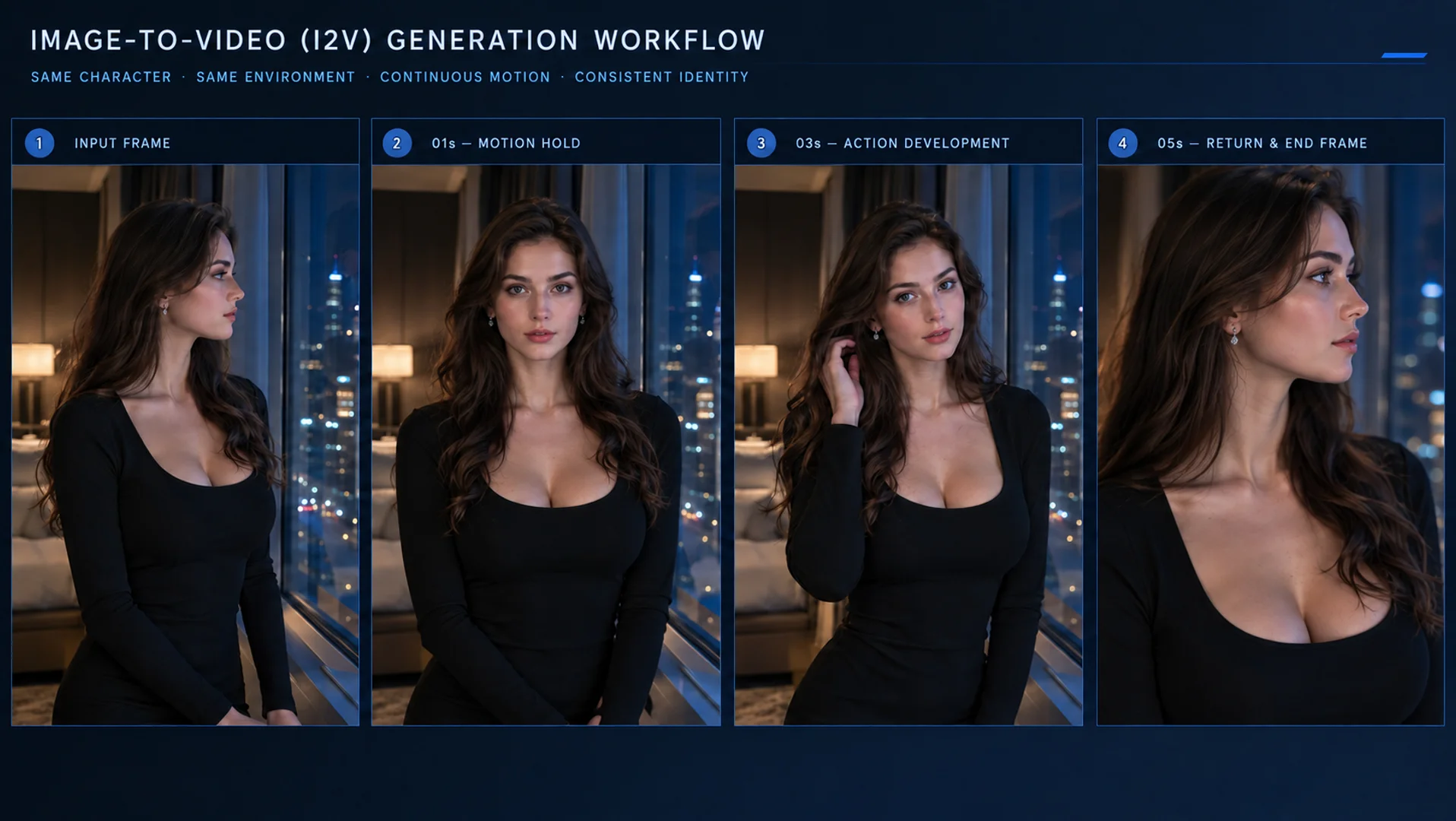
Start from this exact frame
Animate Your CharacterChoose Reference to Video when character identity should remain recognizable but the new video needs a different composition, environment, action, or camera direction.
Instead of treating one image as the fixed opening frame, the references provide visual information that can be carried into a newly constructed scene. This makes R2V the stronger choice for a flexible AI character reference video workflow.
For recurring clips, reuse the same core references and change only the direction required for the next scene.
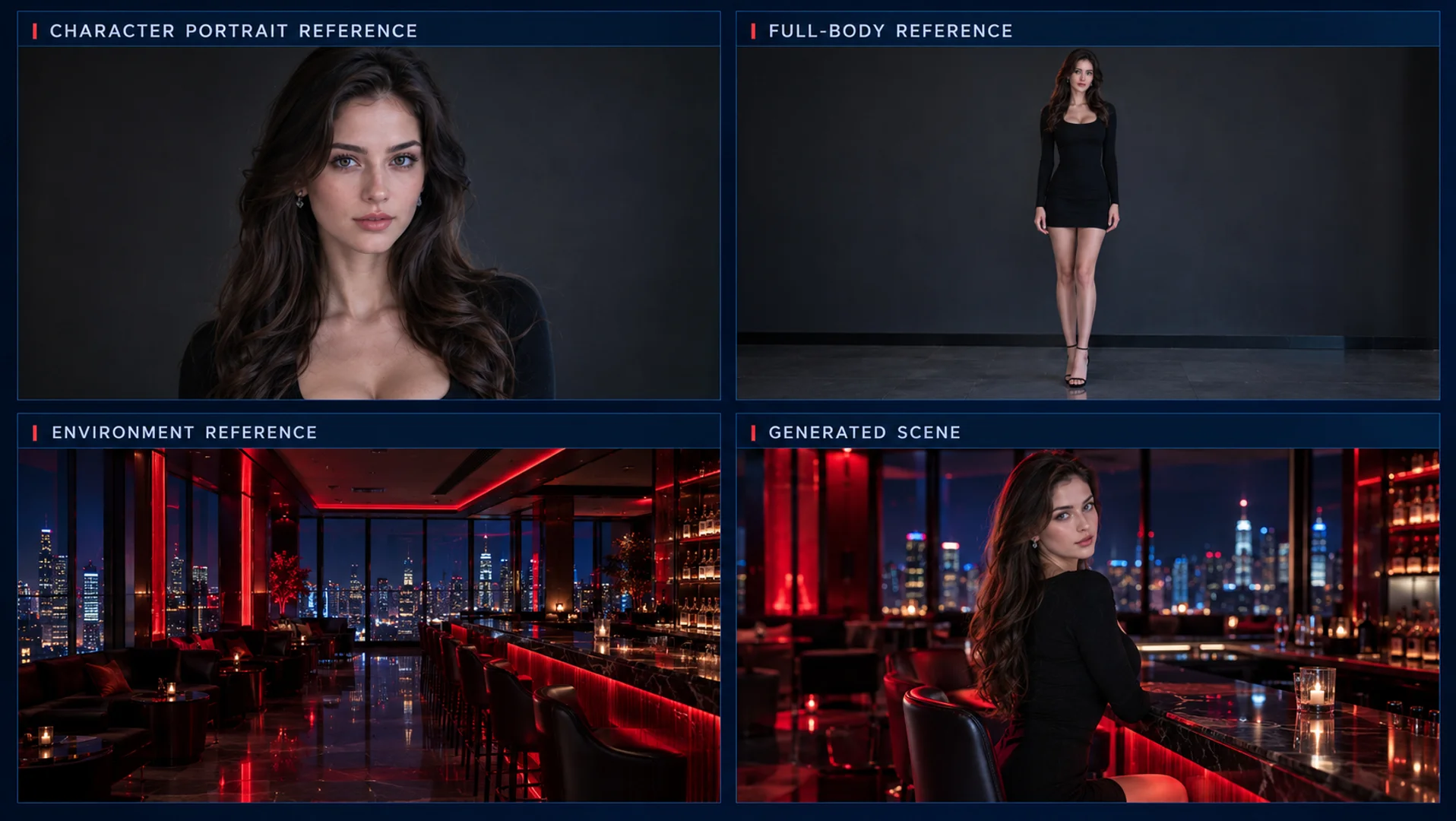
Build a new scene from the references
Create from ReferencesCharacter drift does not always mean the entire idea must be abandoned. First identify which part of the character changed, then adjust the input that controls it.
| Problem | Likely cause | First fix |
|---|---|---|
| Face changes | Likely causeThe primary identity image is unclear or competing faces are present | First fixUse one stronger portrait and remove conflicting identity references |
| Body changes | Likely causeThe model lacks a clear view of proportions or the requested pose changes too sharply | First fixAdd a compatible full-body reference and simplify the first movement |
| Styling changes | Likely causeClothing, hair, or accessories differ across the source materials | First fixChoose one styling version and repeat only its defining details |
| Cross-video drift | Likely causeDifferent clips begin from different reference sets | First fixReuse the same core identity and styling references across the sequence |
| Fast-motion distortion | Likely causeToo many body, camera, and scene changes happen at once | First fixReduce the movement range or divide the idea into shorter actions |
Change one variable at a time. Replacing the full reference set after every imperfect result makes it difficult to know which adjustment improved or weakened consistency.
Create intimate, mature, and uncensored AI character videos without reducing every concept to a neutral or unrelated scene. Your intended interaction, mood, and camera direction remain central to the request.
Move beyond one-off clips by returning to the same identity and styling references. This gives recurring character content a clearer visual foundation.
Upload, direct, and generate online. No local deployment, technical environment, or dedicated GPU setup is required.
Register to receive free generation credits. No payment method is required to test the character workflow and create an initial result.
Choose the character. Prepare a clear reference. Direct what happens next.
Create a close performance, introduce full-body movement, or place the same recognizable character inside a completely different visual moment.